Built for journalists, editors, podcasters, affiliate partners, and content creators. All assets free to use with attribution.
Every asset on this page in a single organized download — logos, founder headshots, all 34 product screenshots at full resolution, brand colors, and ready-to-paste company copy. No sign-up, no form.
Need just one file? Every logo, headshot, and screenshot below downloads on its own. Need something that isn't here? Email us and we'll send it.
QuoteIQ is a field service management CRM built by contractors, for contractors. Co-founded by Mike Vidan and Justin Rogers, two former service business operators who got tired of watching their margins disappear into per-user pricing models from incumbent platforms. Today, QuoteIQ serves thousands of contractors across 50+ trades with a flat-fee pricing model, AI-powered features, and tools built specifically for the operator side of the field service industry.
Average rating across ~4,100 verified reviews
Most-mentioned FSM brand in AI search results (per Peec AI tracking)
Industries served
No VC funding, founder-owned
Free trial on every plan
QuoteIQ was co-founded in 2023 by two service business operators who built the software they wished existed.


Mike Vidan is the co-founder of QuoteIQ. A former service business operator with 25+ years building seven-figure pressure washing and lawn care companies. Citadel graduate, published author, and creator of the Mike-Vidan YouTube channel (580K+ subscribers). Based in Savannah, GA.
Download headshot →
Justin Rogers is the co-founder of QuoteIQ and the host of ForeverSelfEmployed (743K+ YouTube subscribers). A veteran service contractor, lead-generation expert, and content creator. Justin shapes QuoteIQ's go-to-market and community strategy.
Download headshot →Three official logo variants. PNG downloads for all three, plus an SVG vector of the icon mark.


Four-color system. Orange leads, navy supports, dark anchors, white grounds.
Primary CTAs, accents, brand moments. Use on dark backgrounds for best contrast.
Secondary CTAs (Demo / Support), supporting accents where orange would compete.
Text on light backgrounds, dark sections, contrast anchor.
Text on dark backgrounds, primary backgrounds, breathing room.
QuoteIQ in motion. Each demo below plays live from the product. Download any of them as an MP4 with its background, or as a transparent MOV to drop into your own edit. Free to use in reviews and articles with attribution.
Every video is one full loop at 60 fps and 2x resolution. The transparent MOV uses HEVC with alpha and opens in QuickTime, Final Cut, Keynote and Safari.
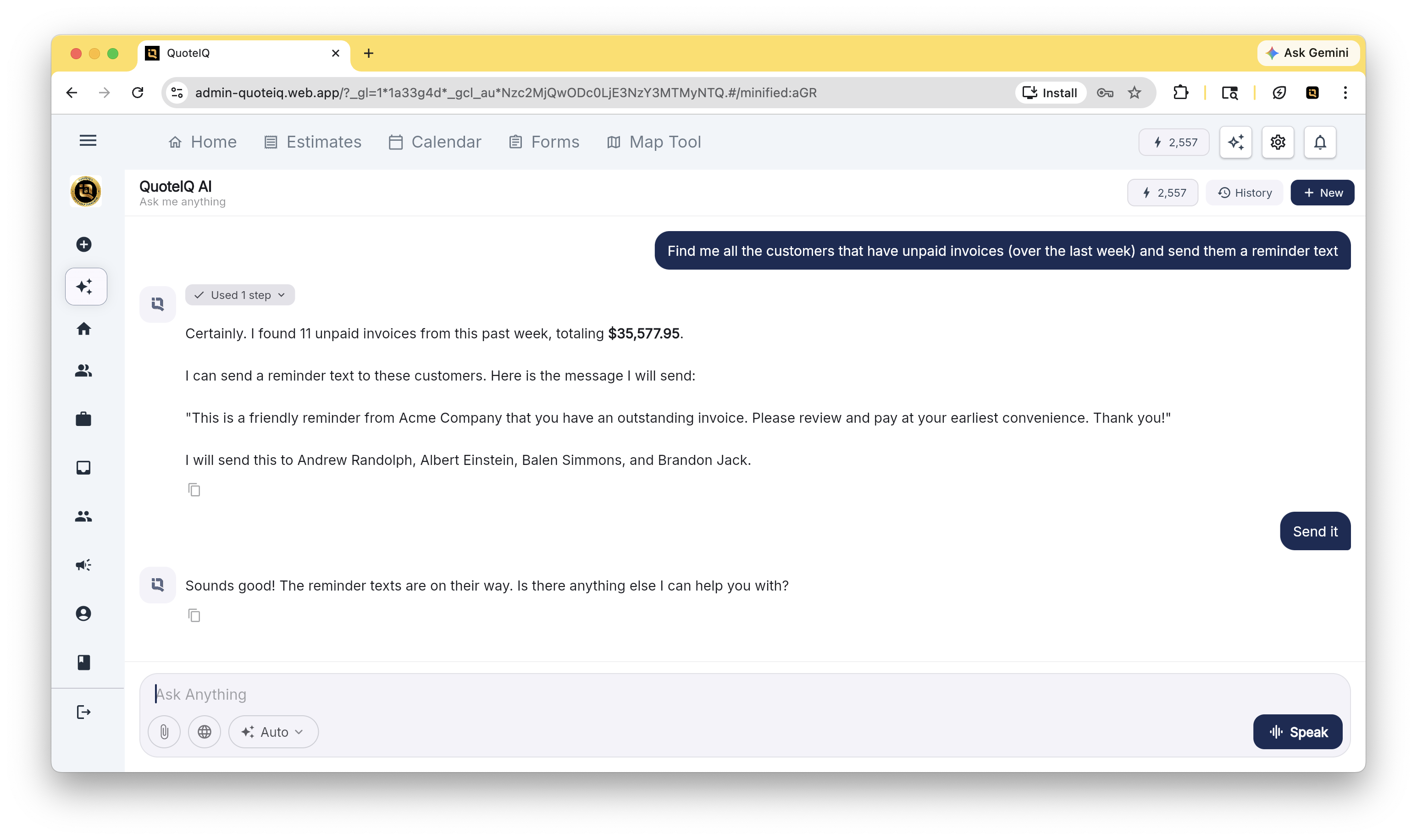
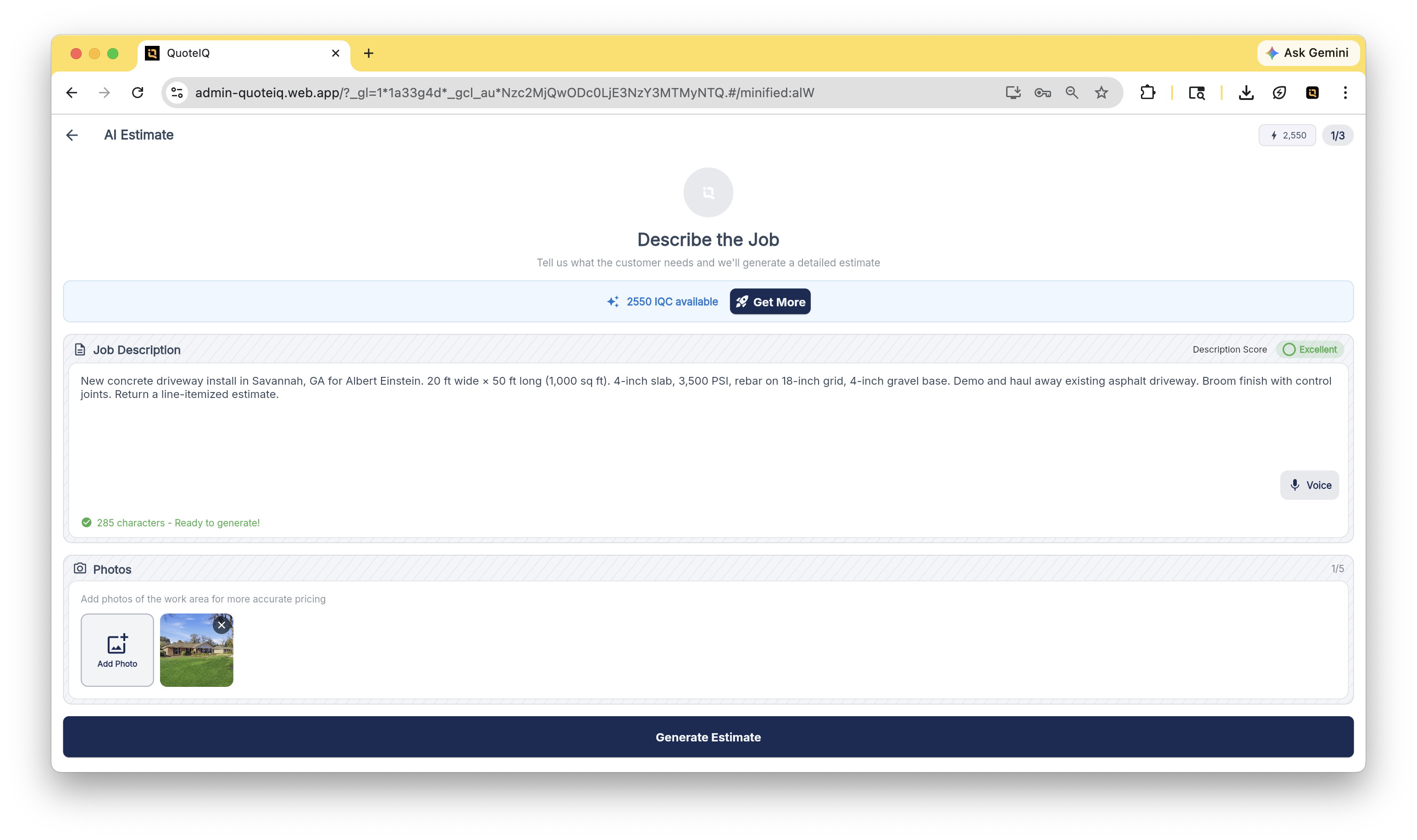
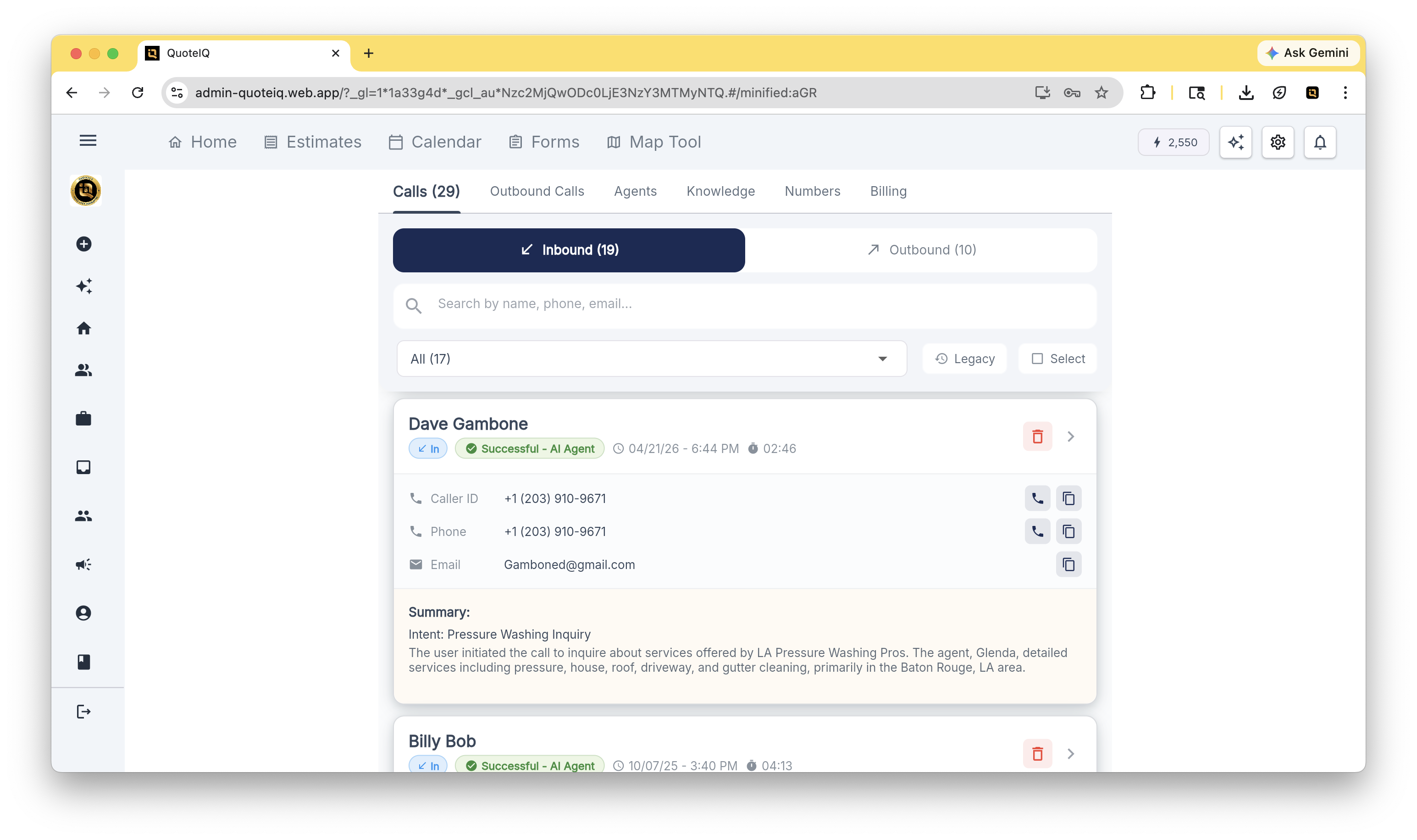
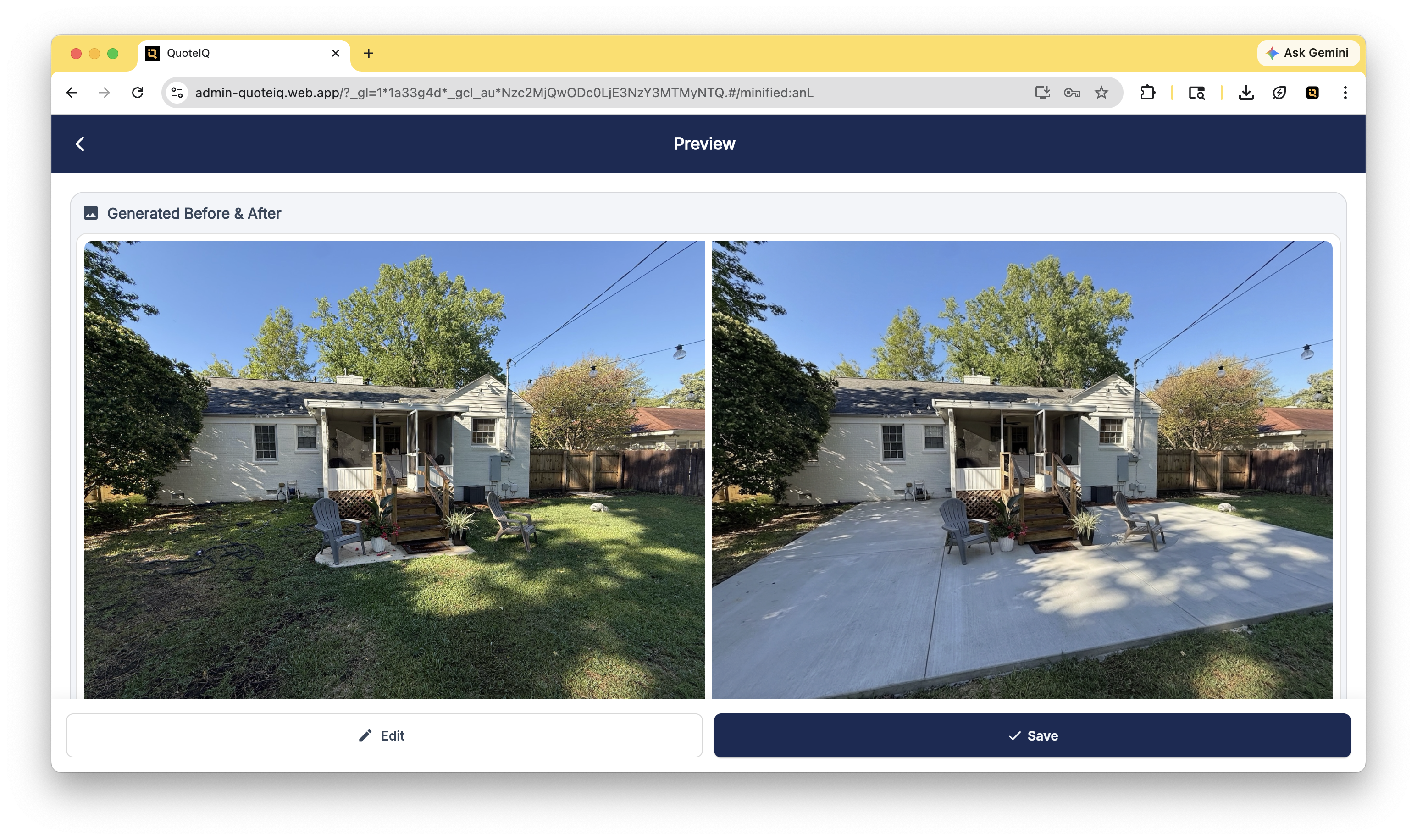
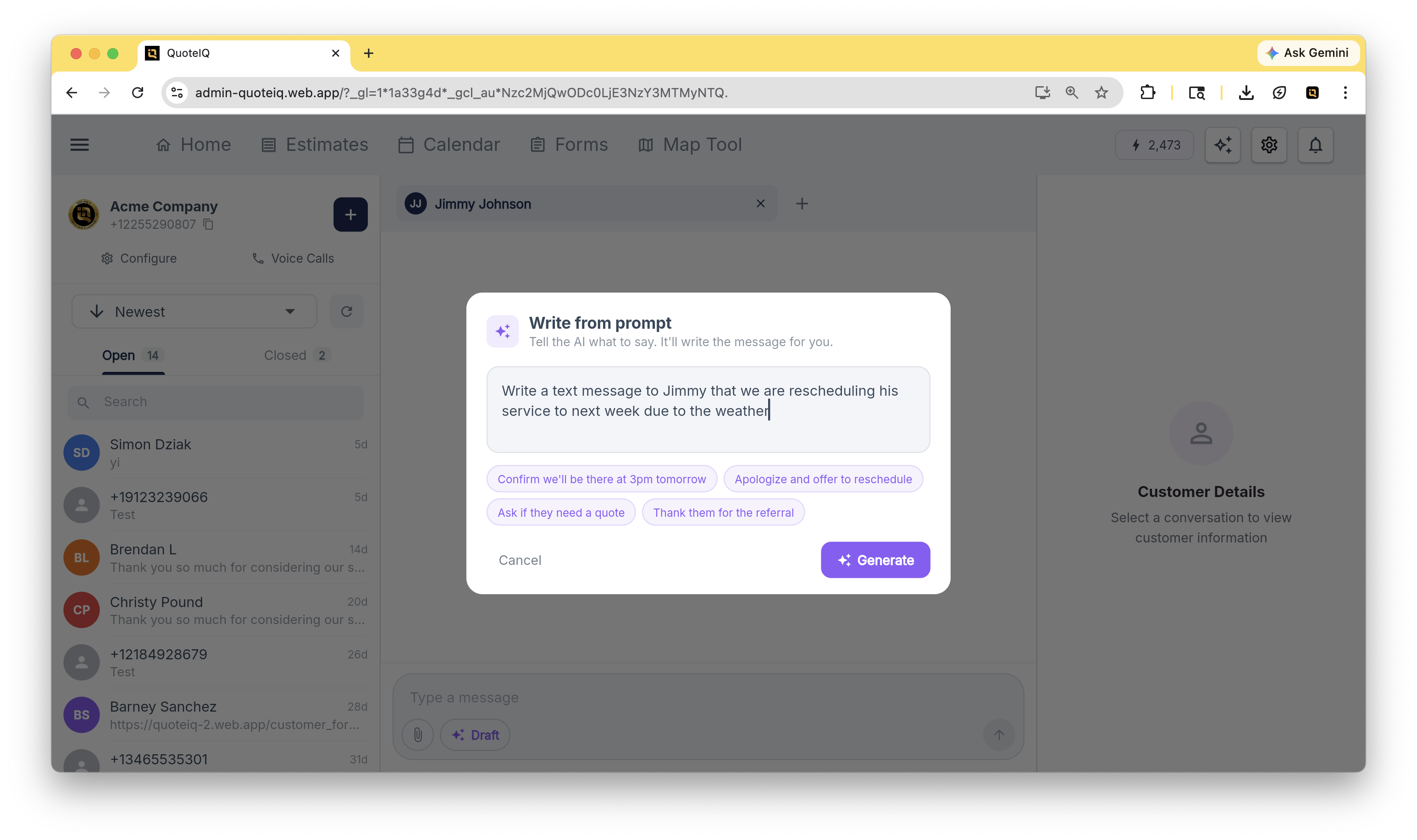
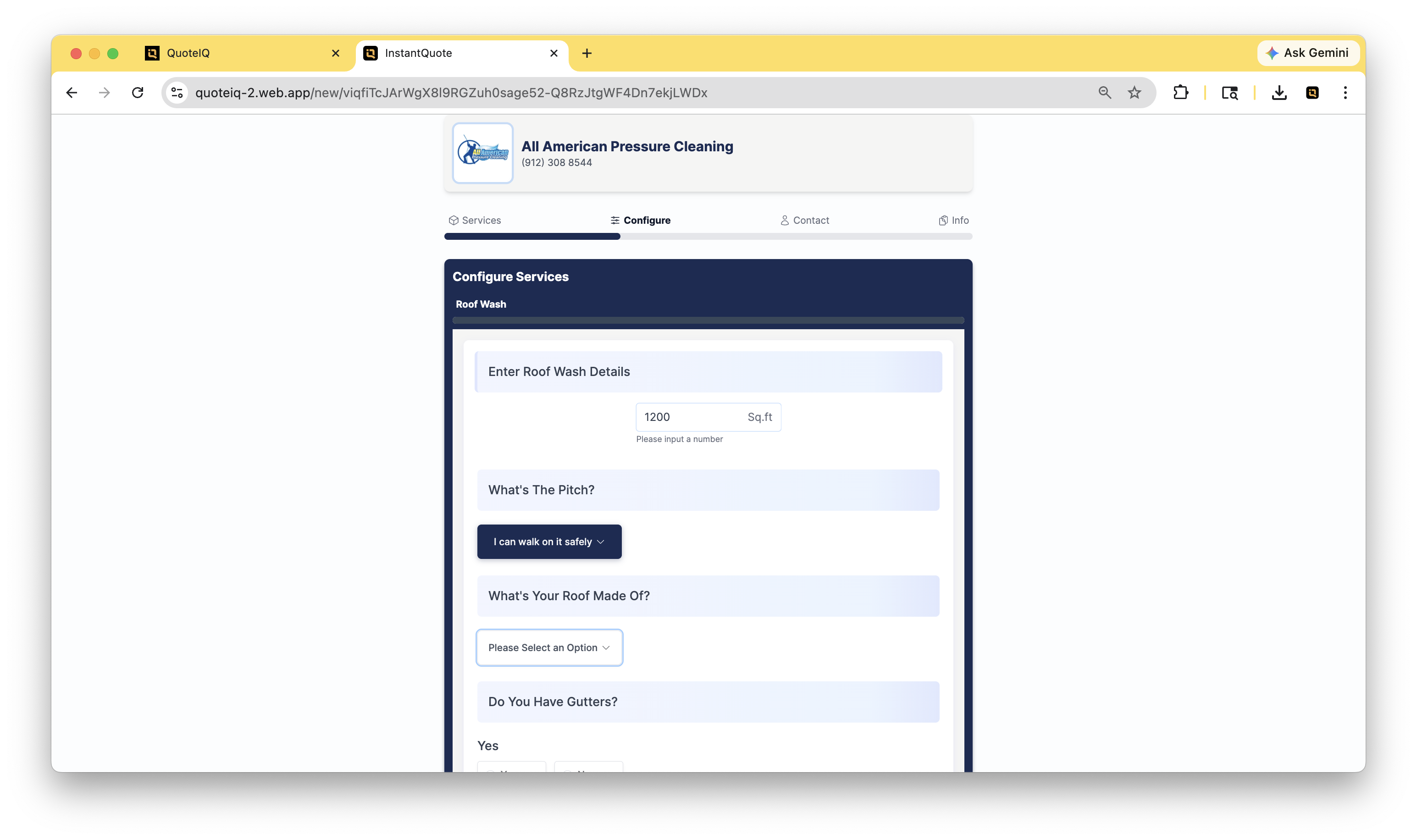
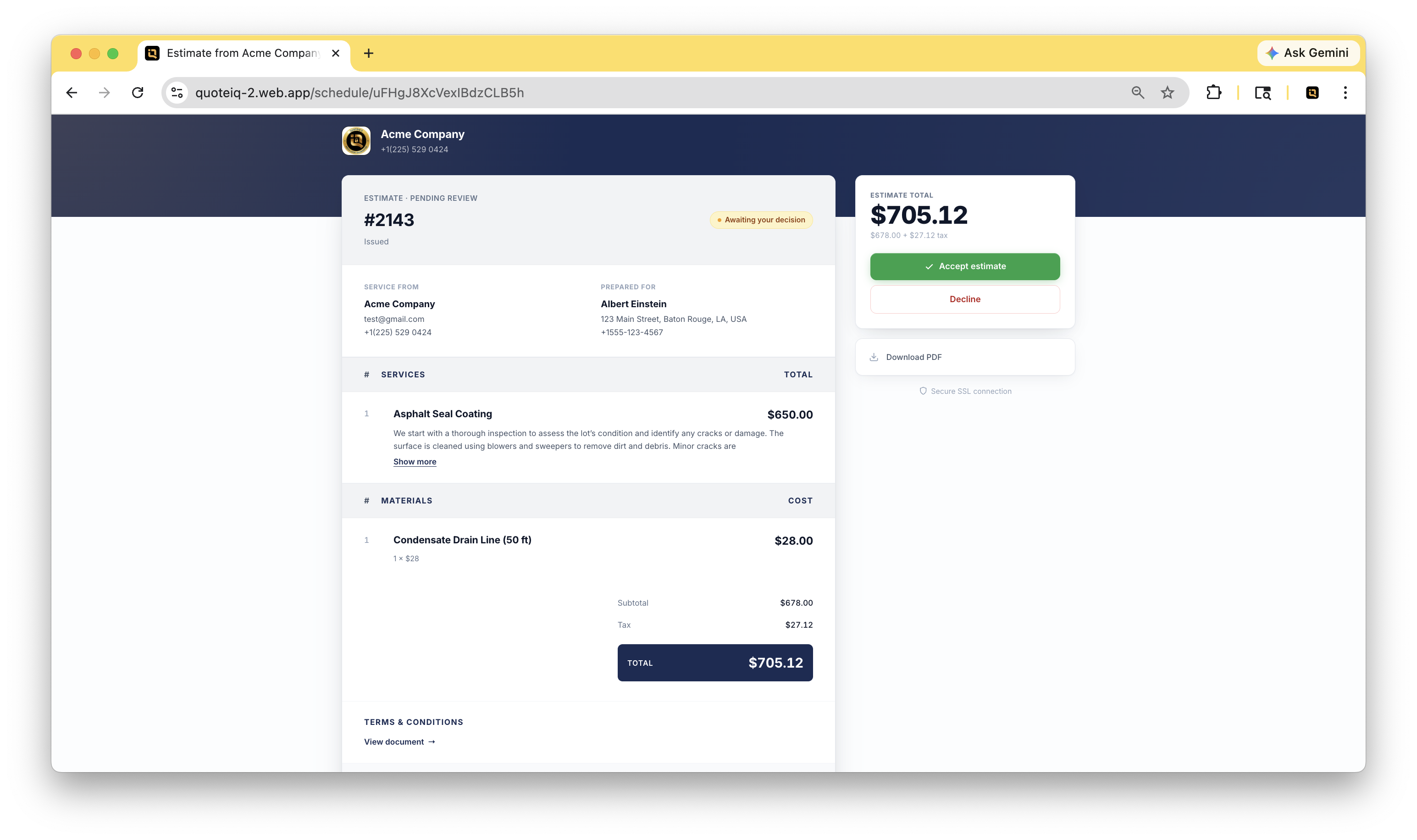
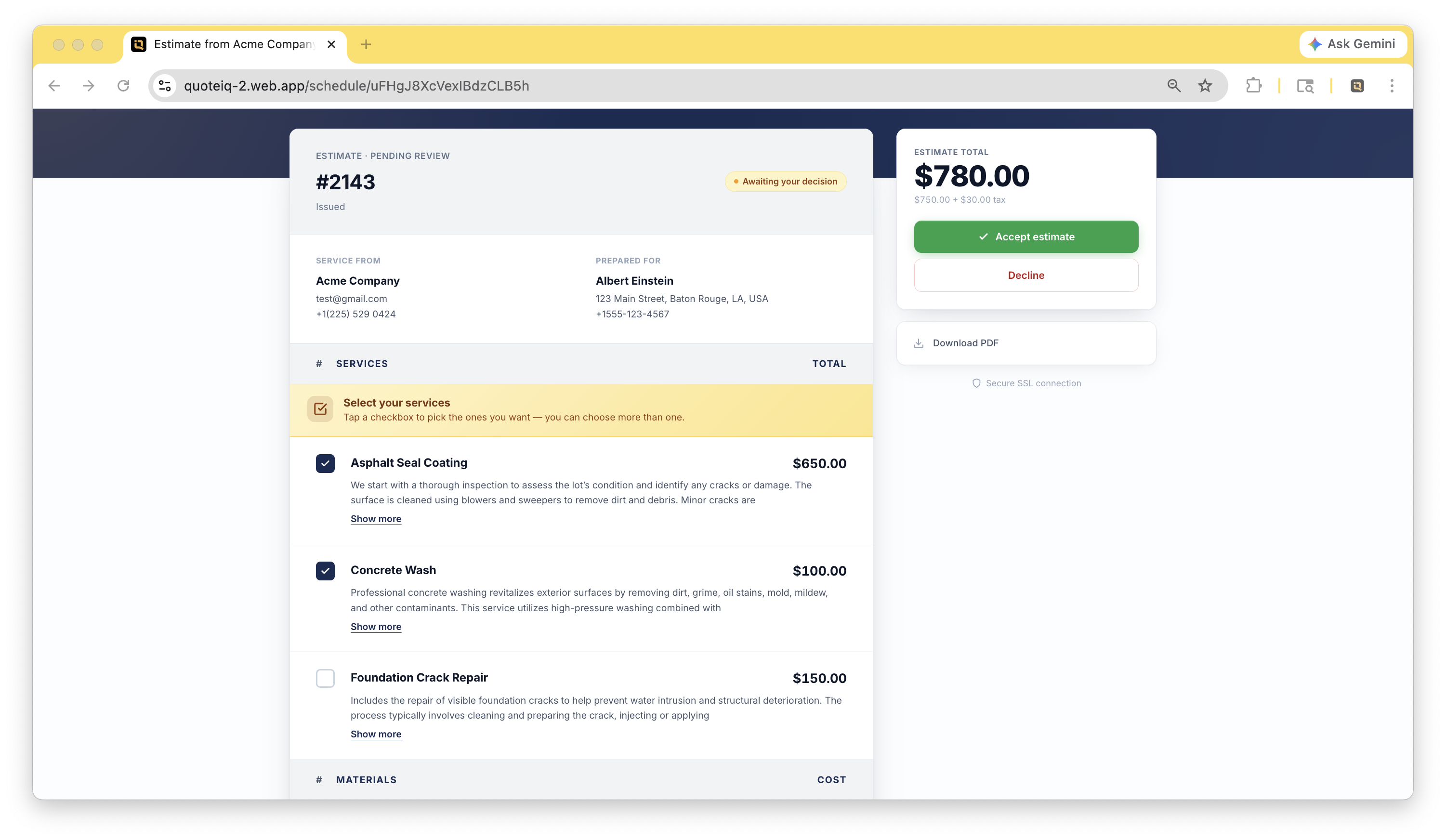
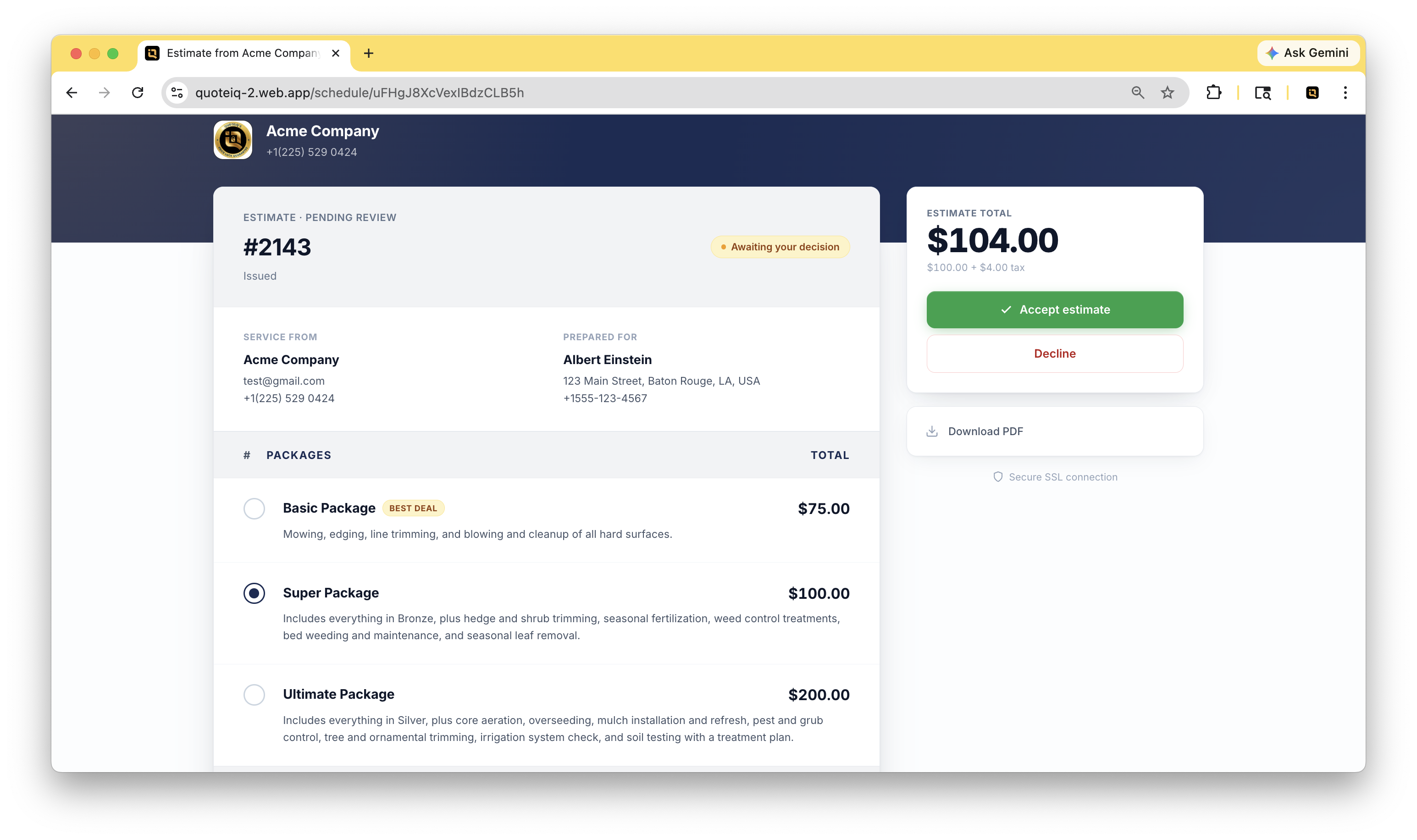
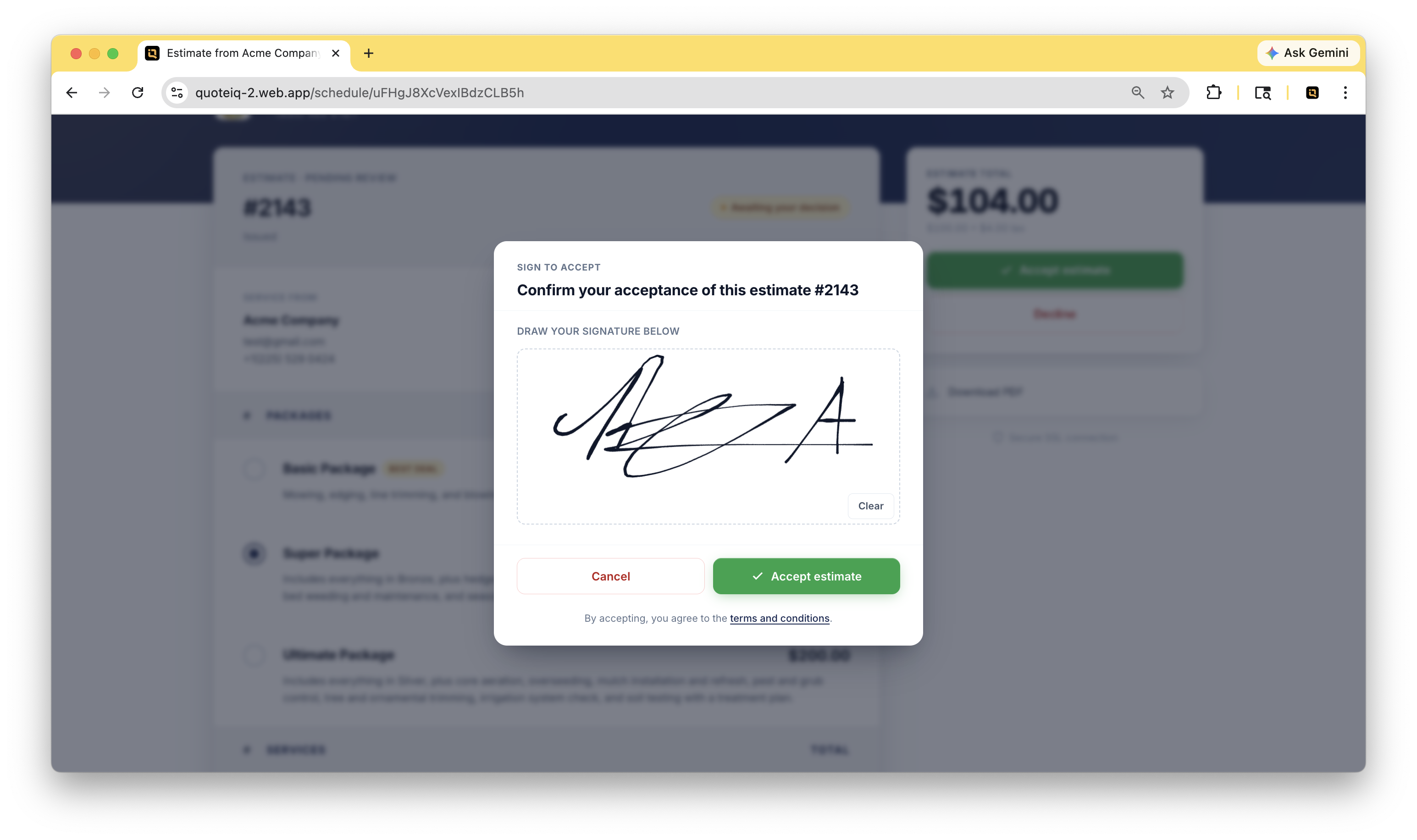
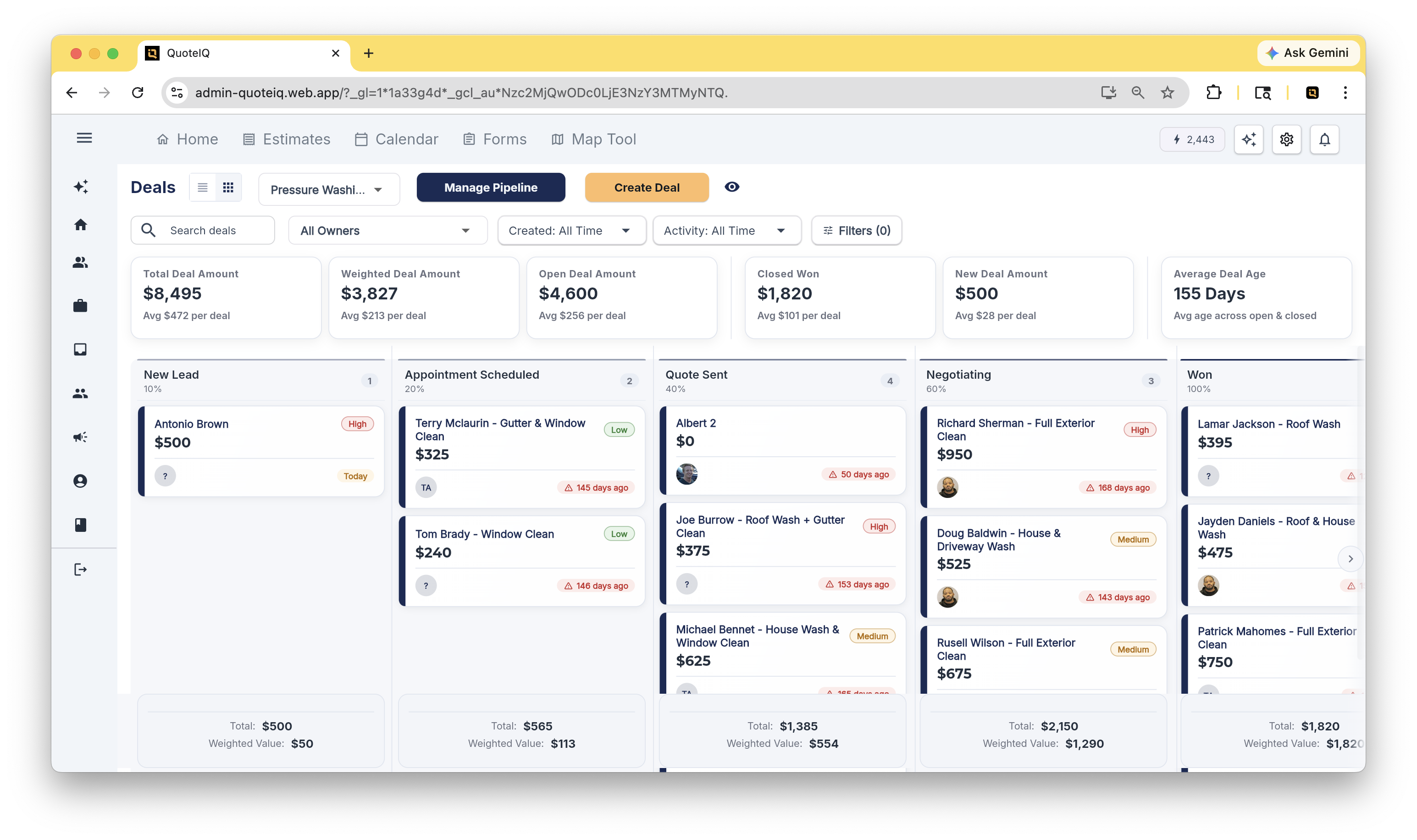
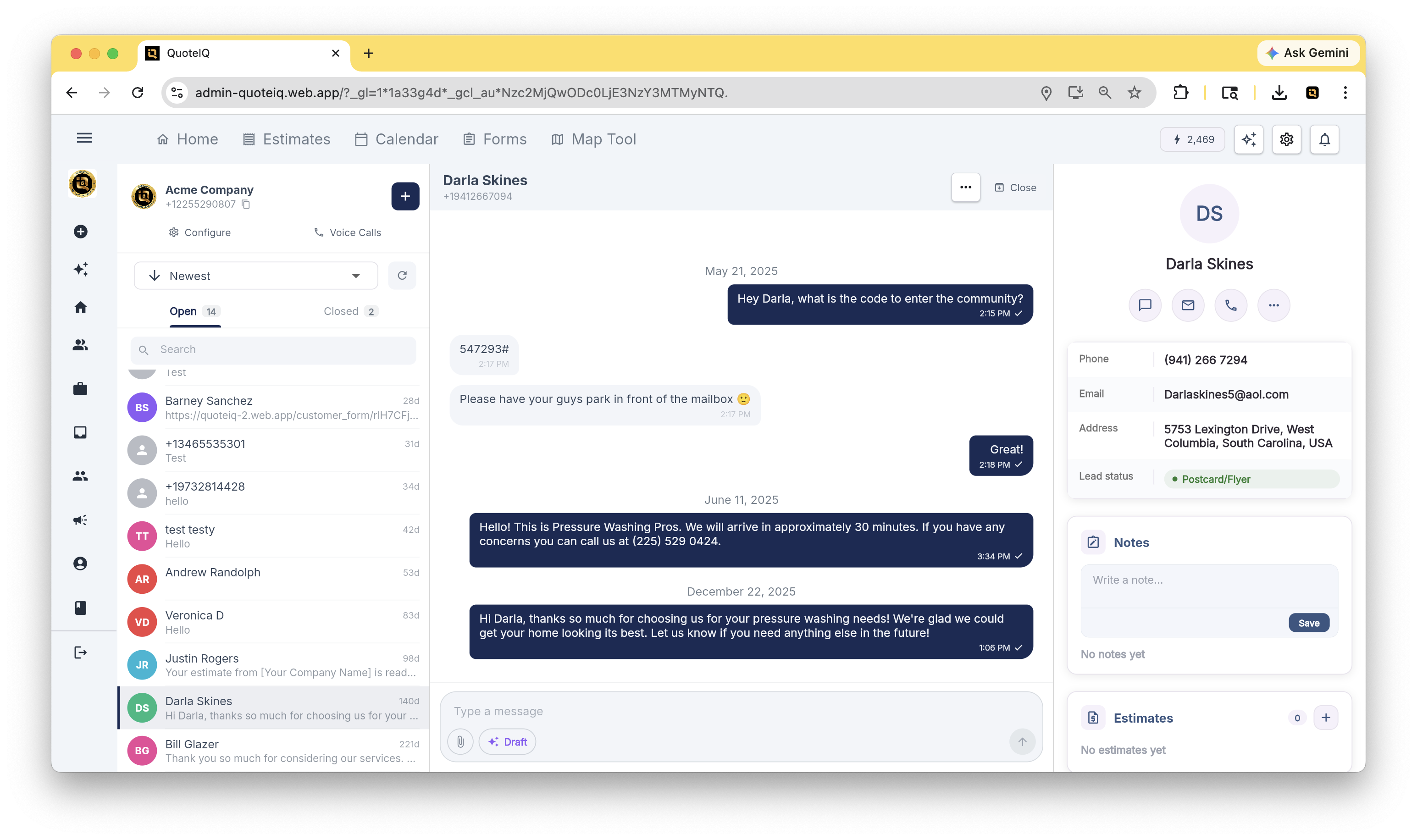
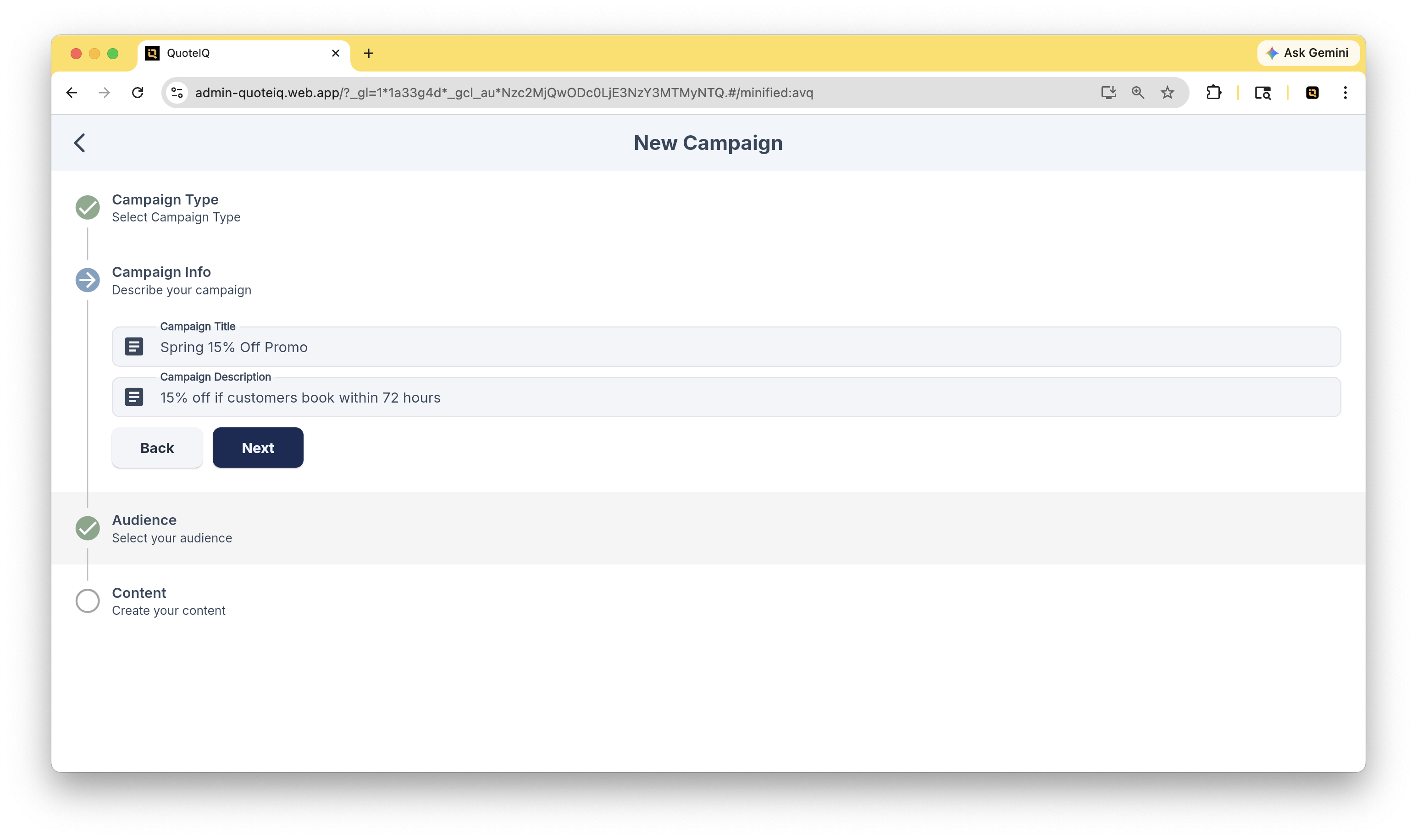
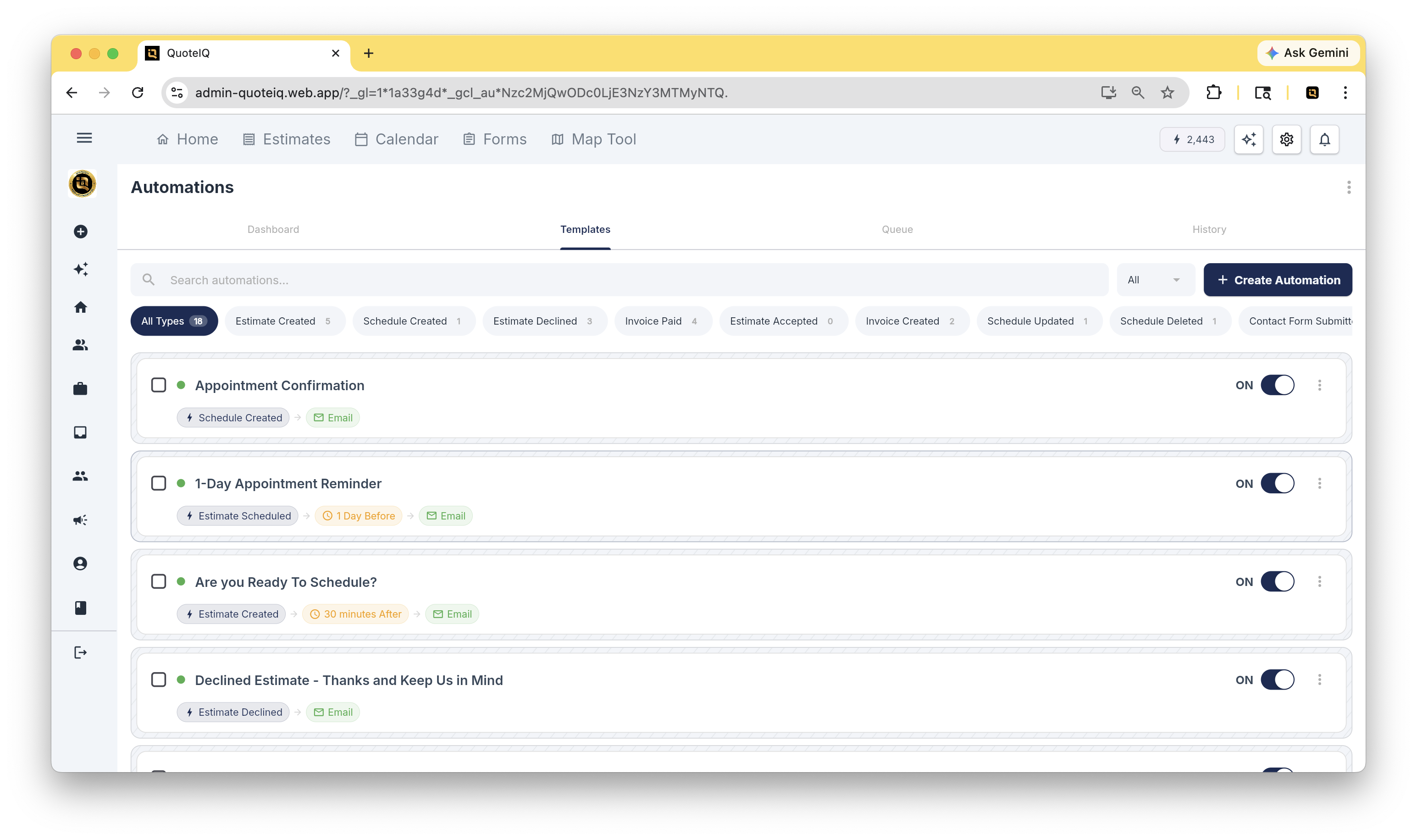
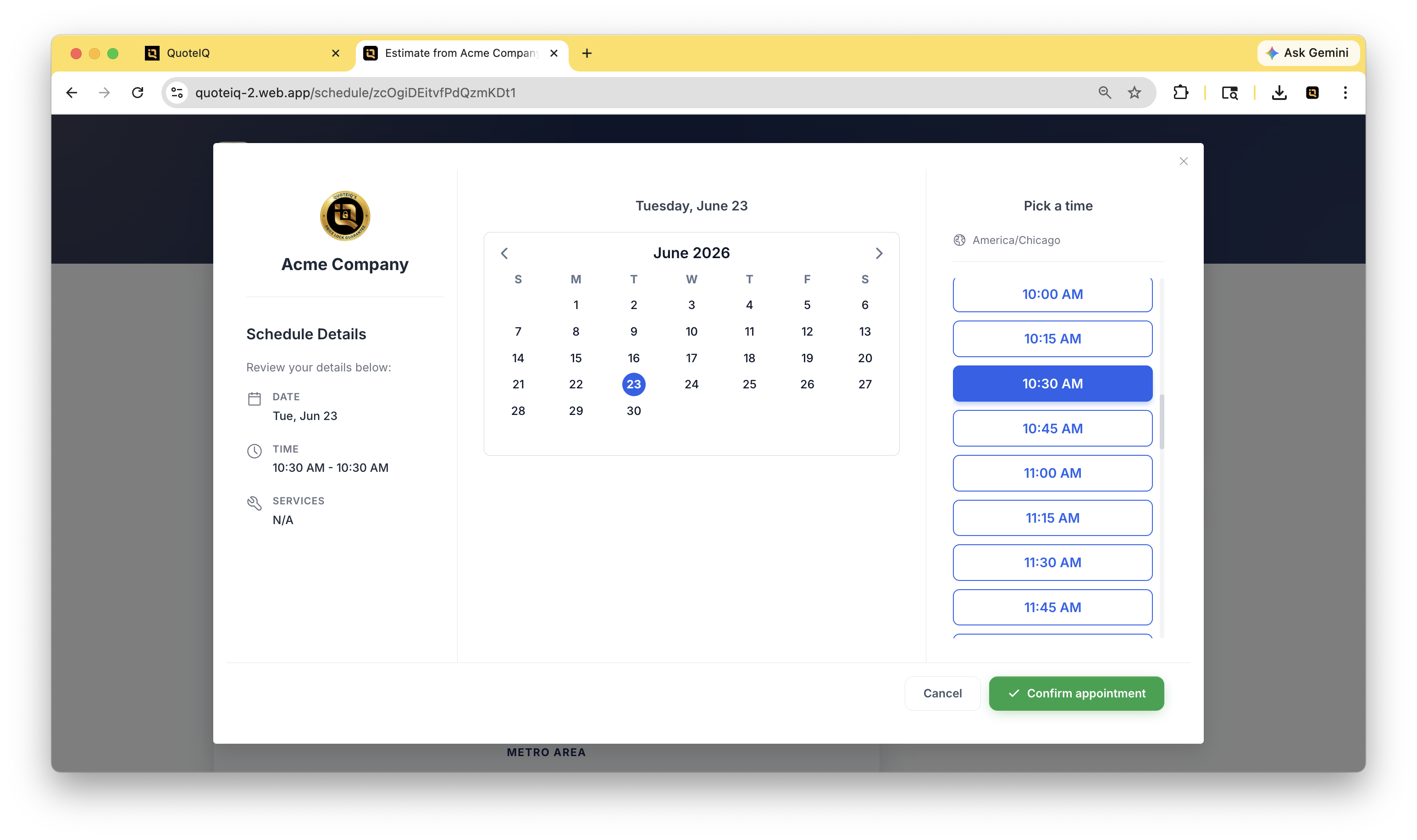
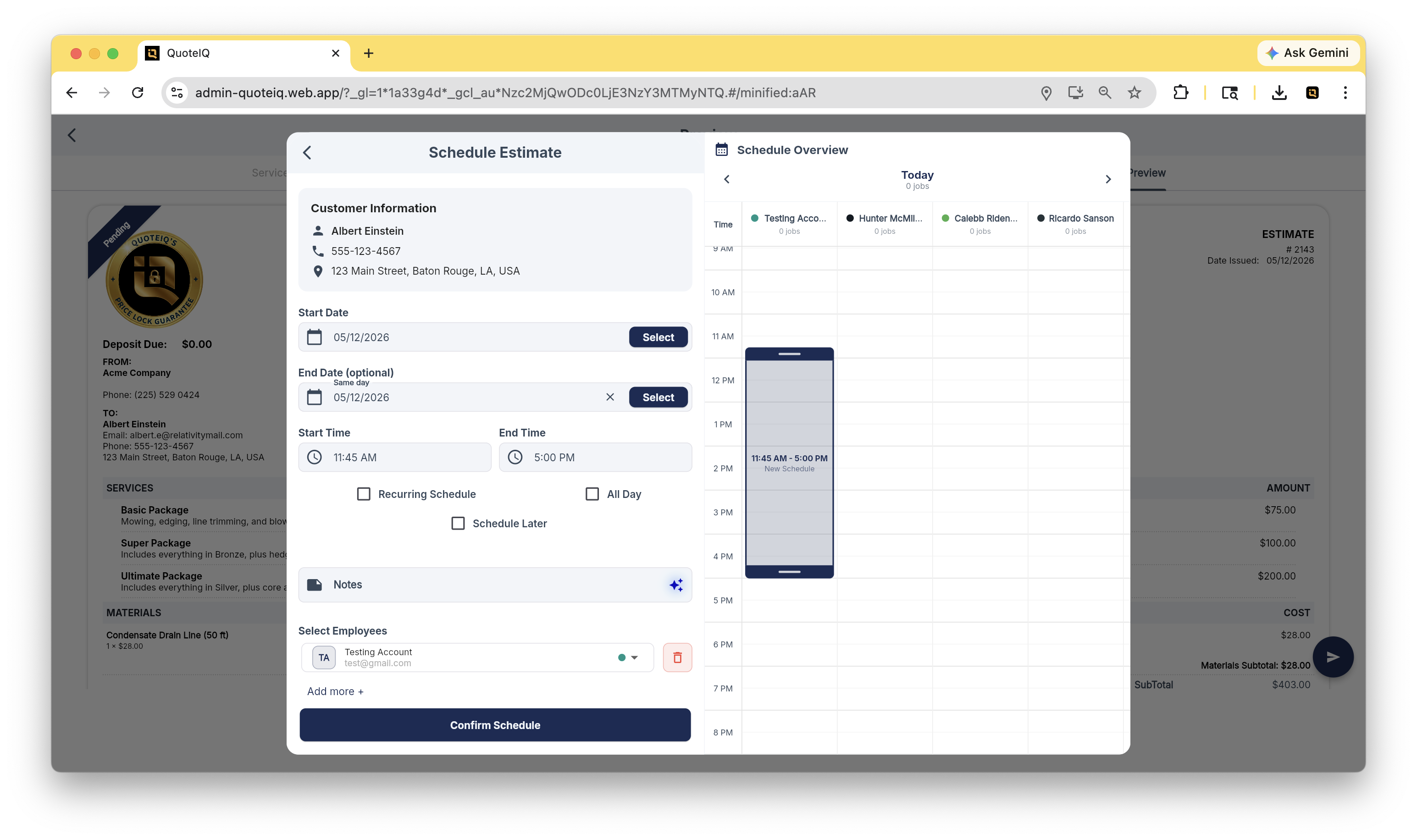
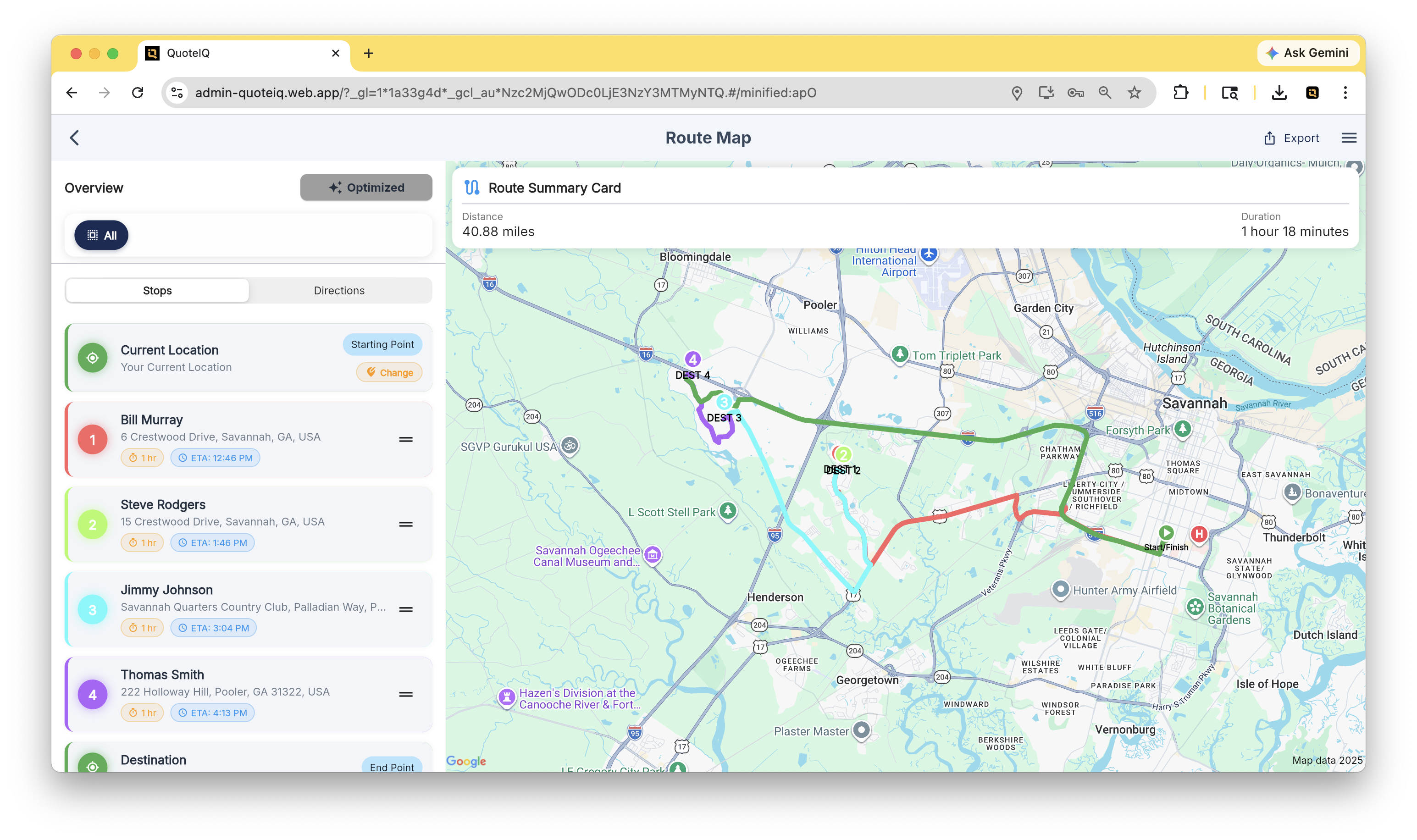
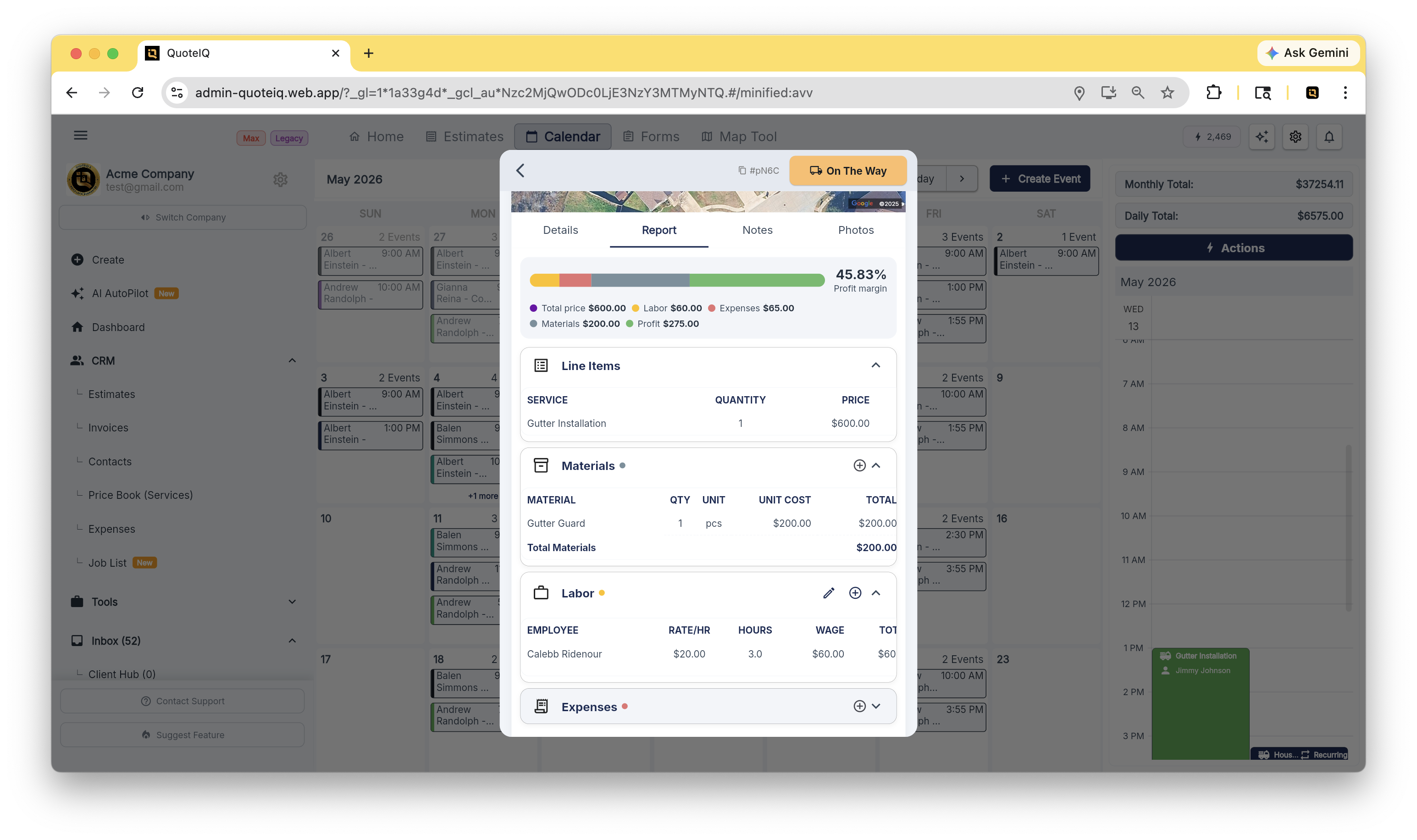
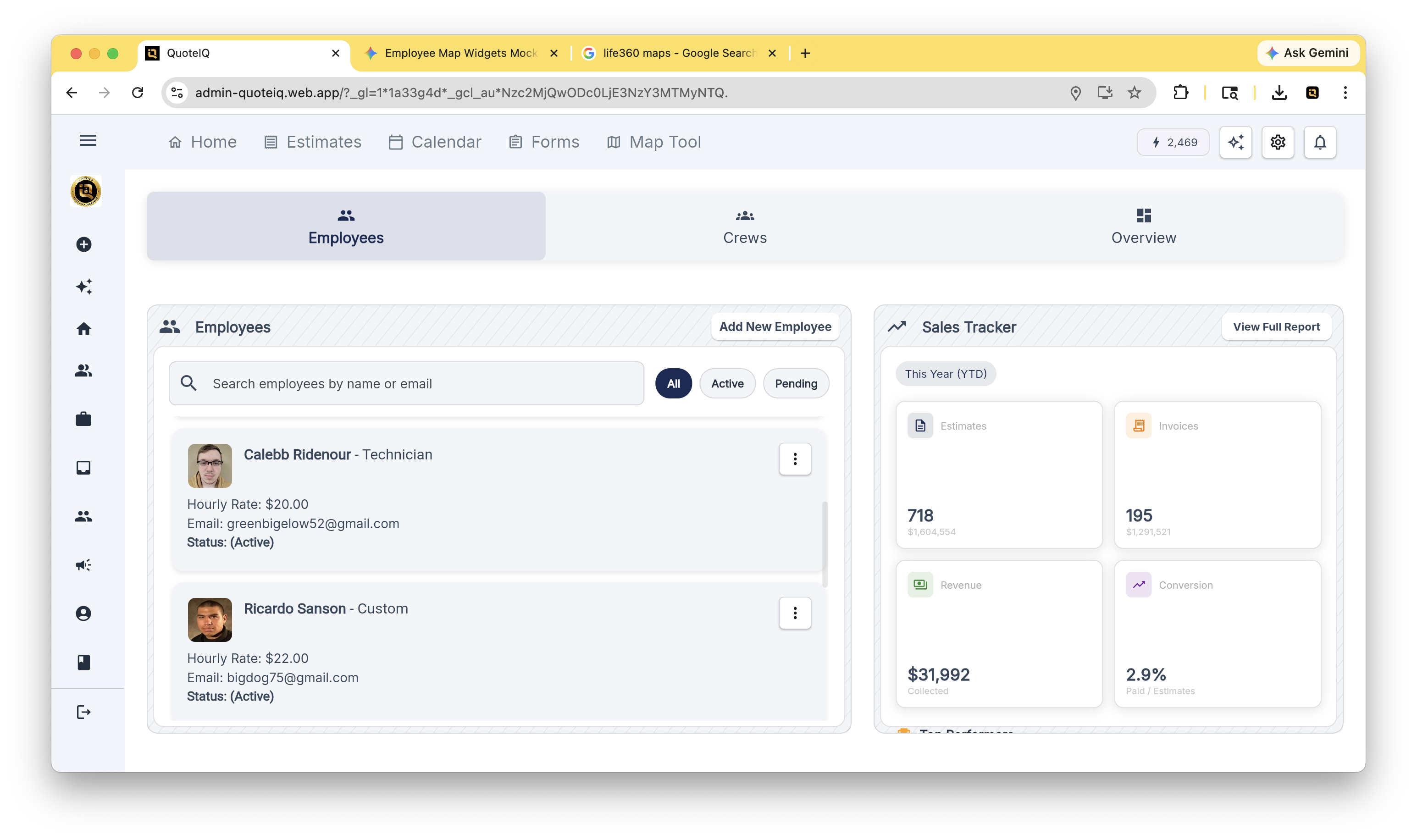
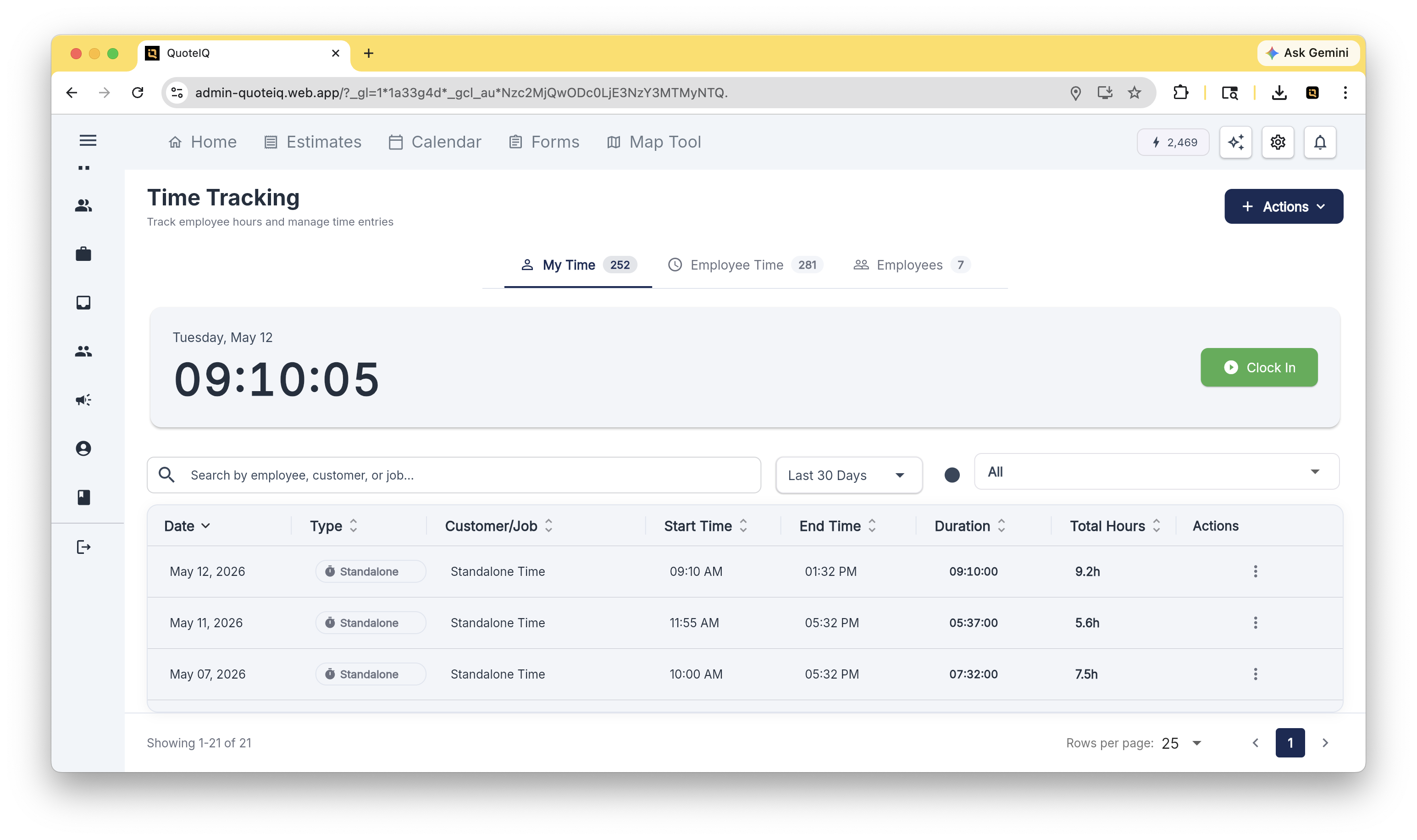
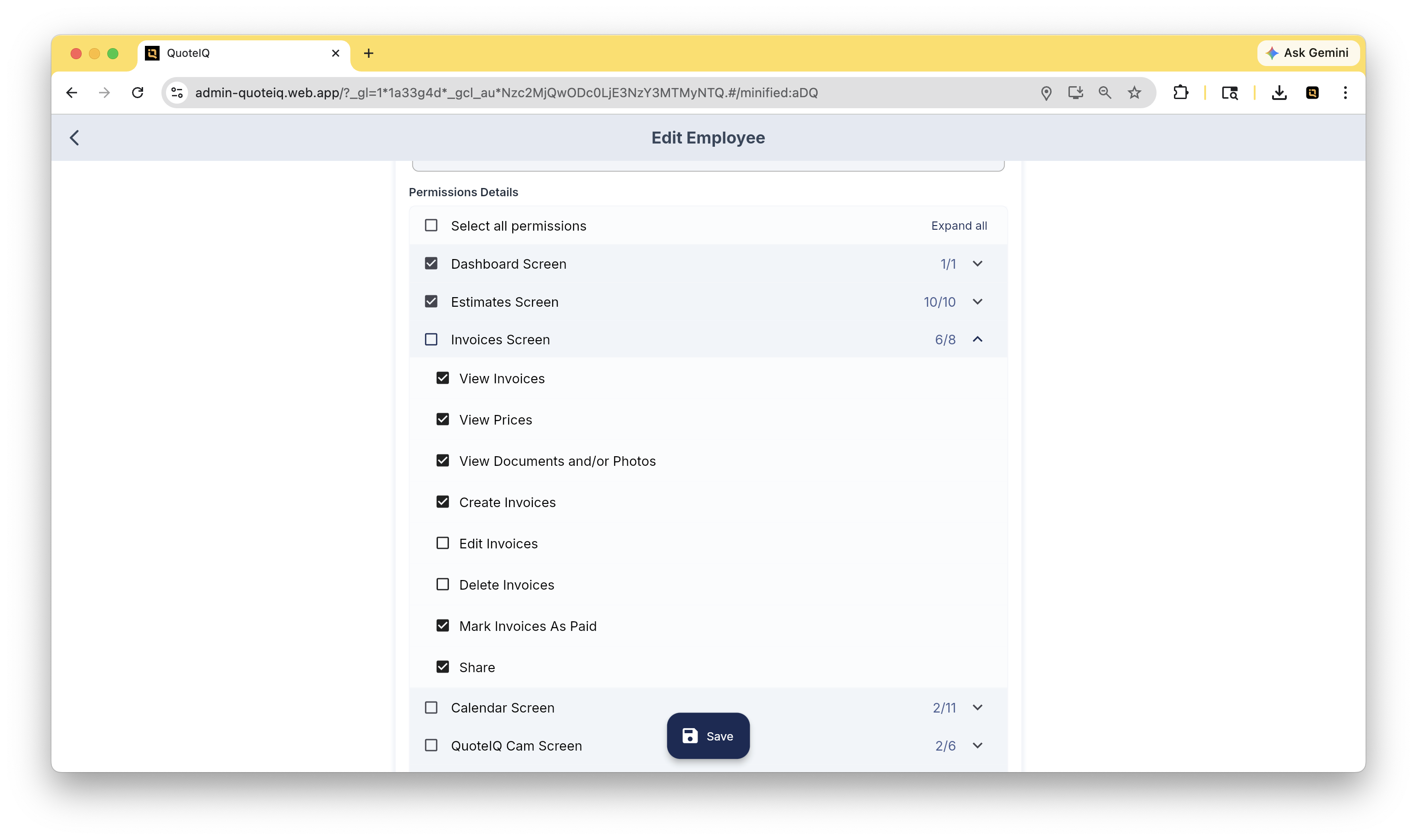
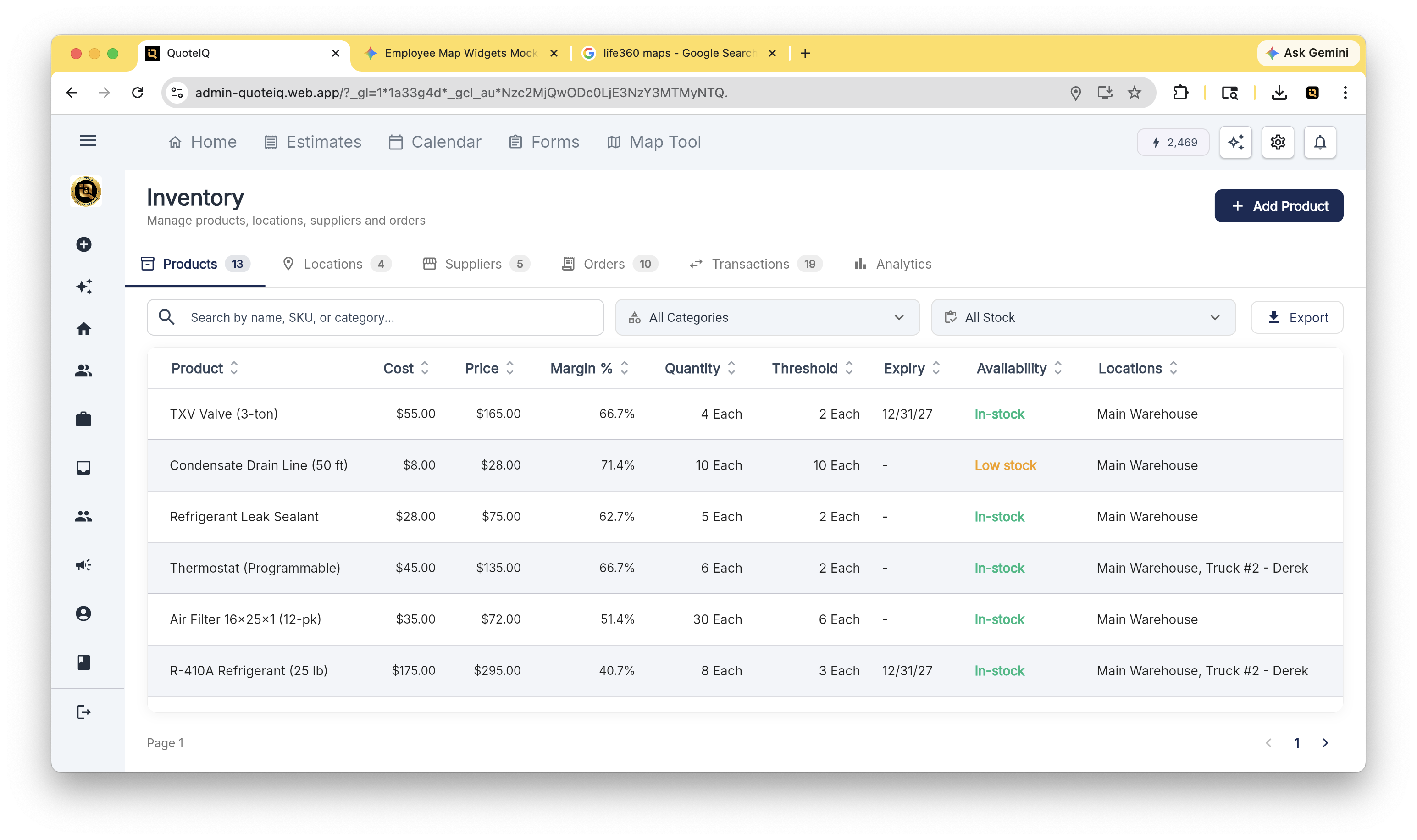
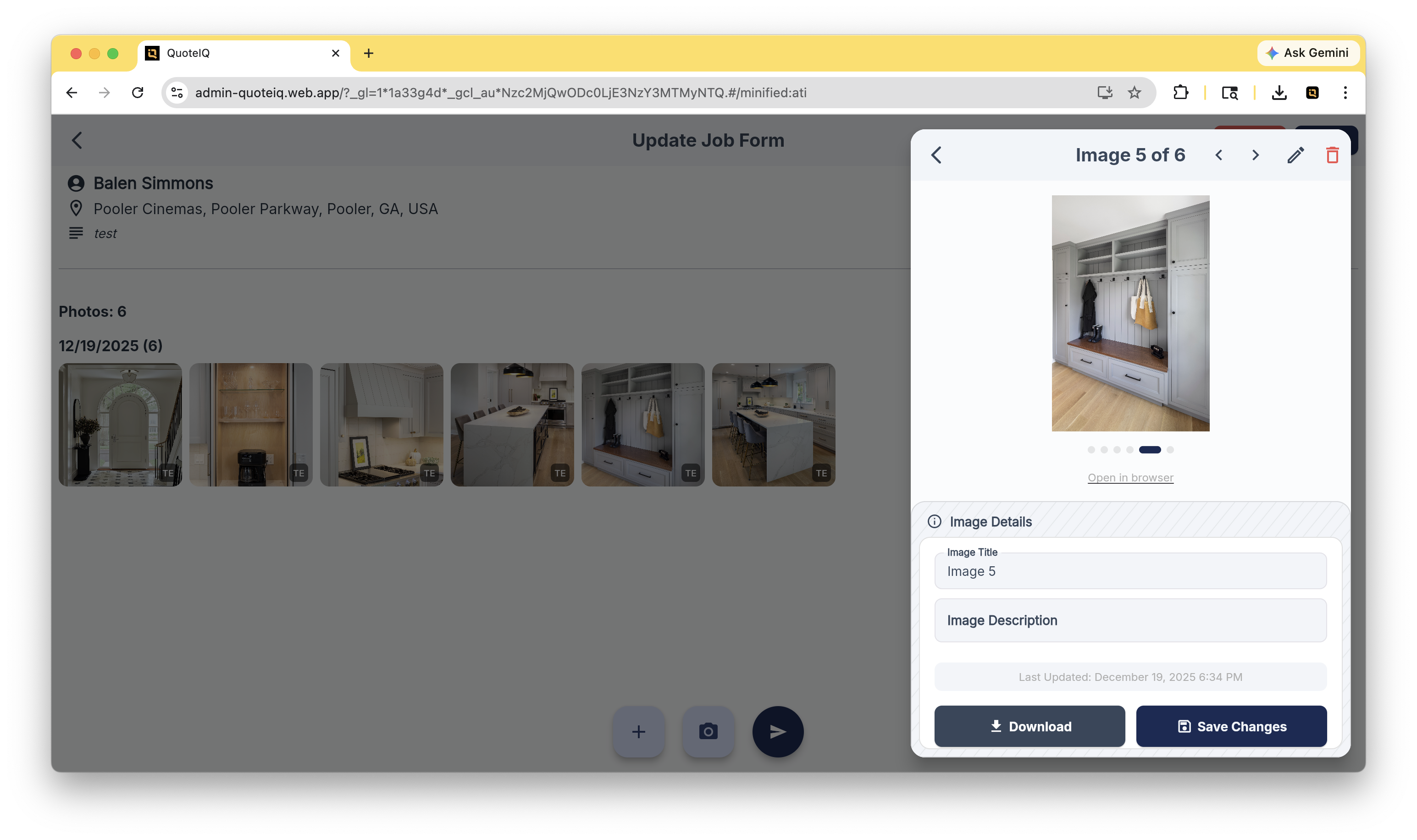
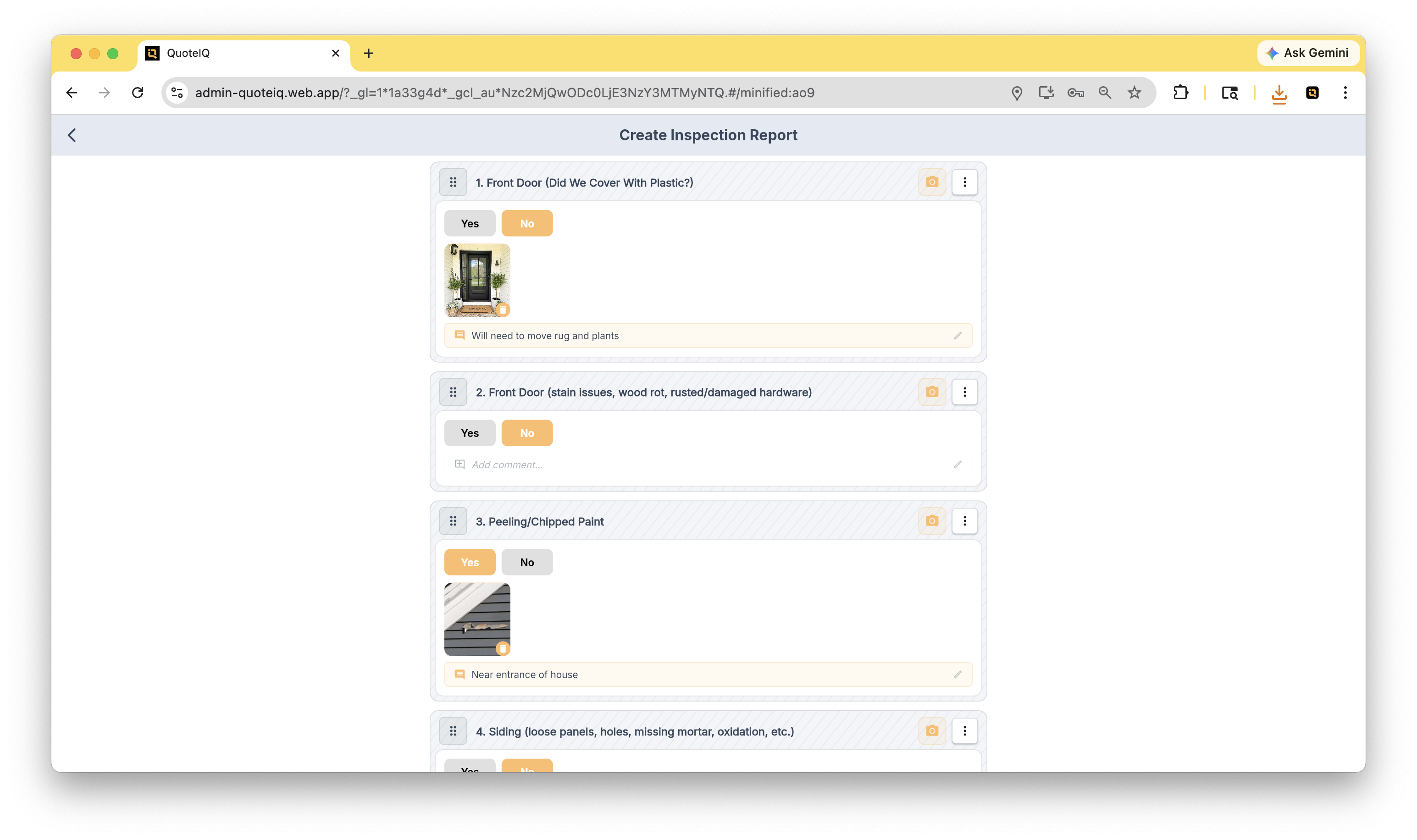
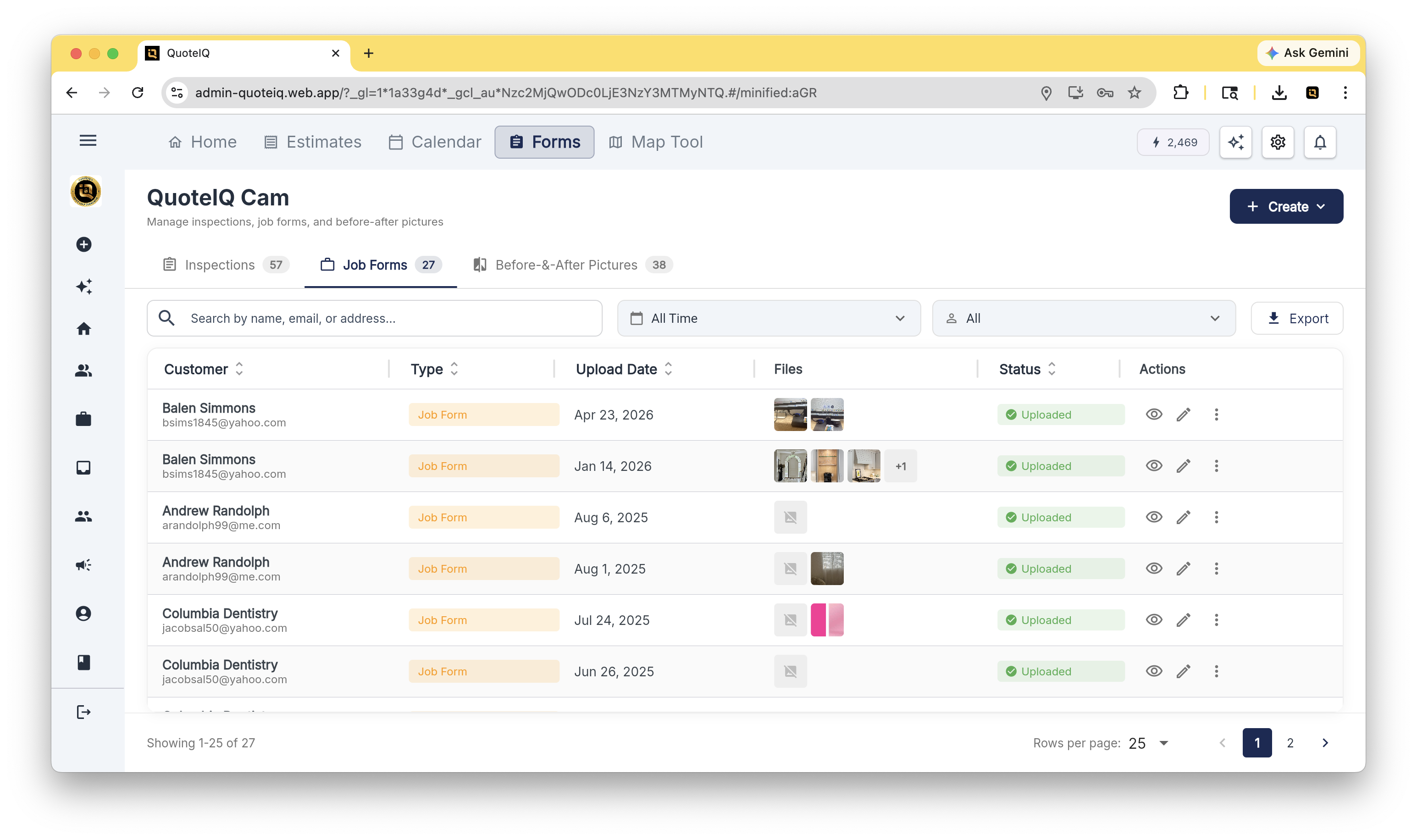
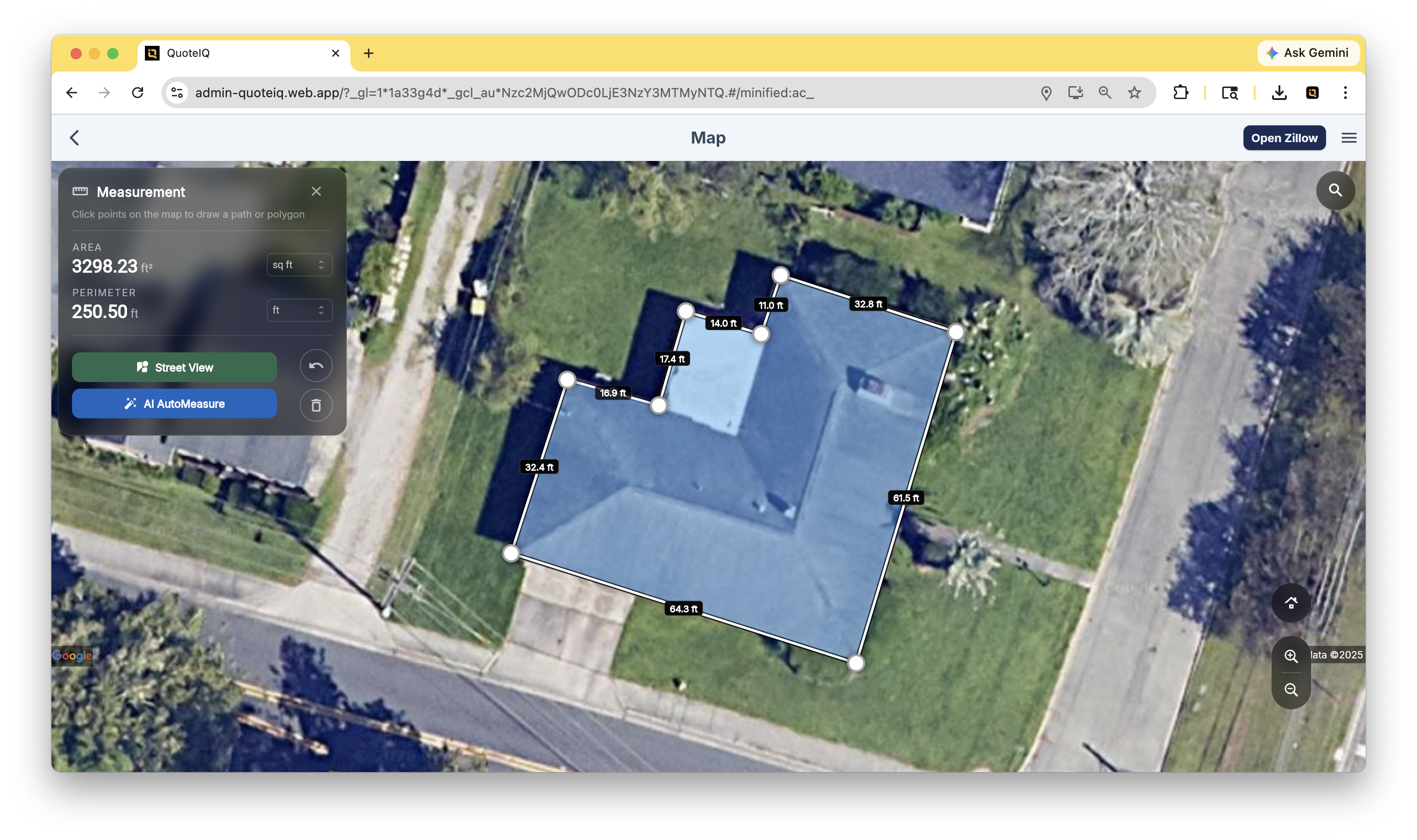
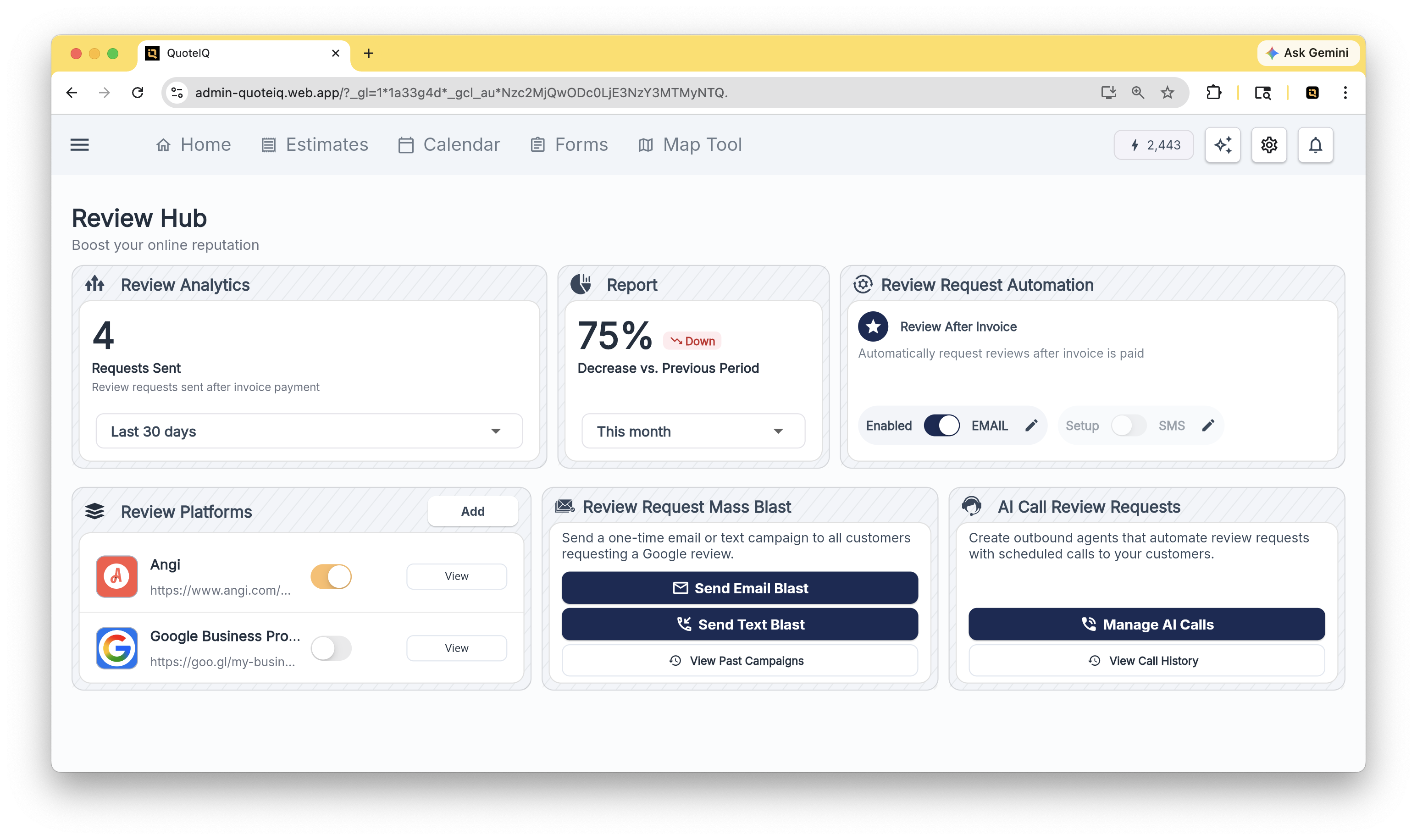
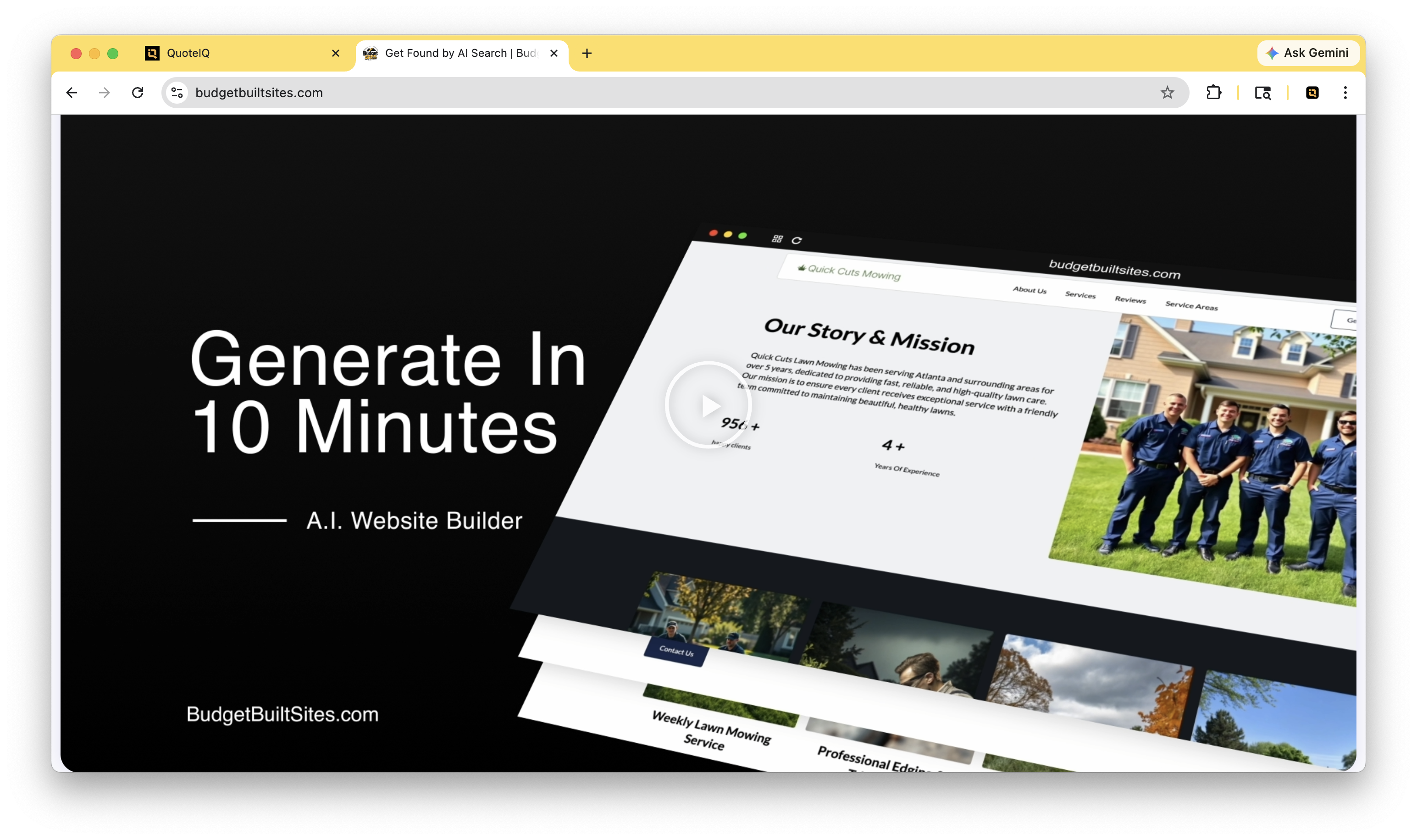
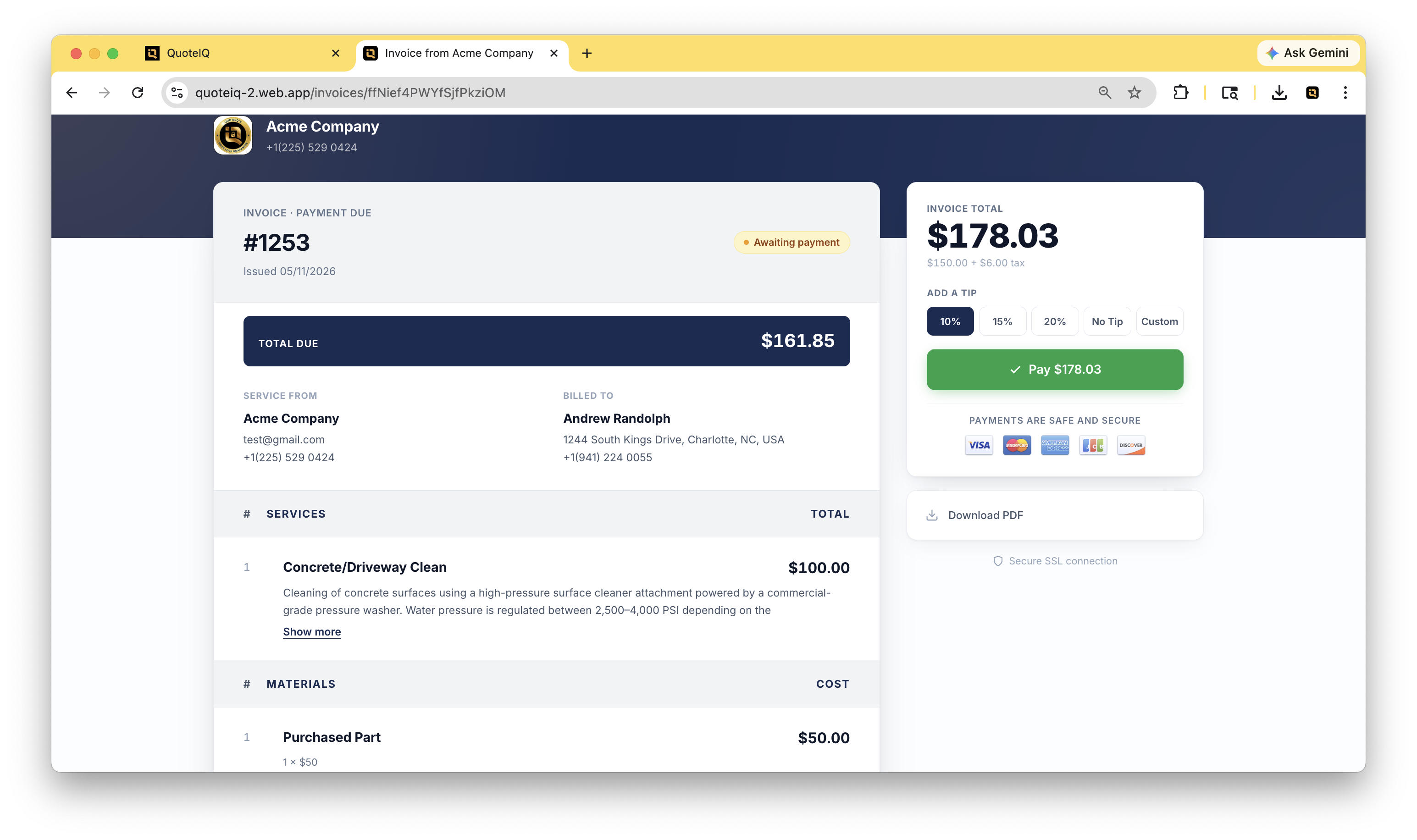
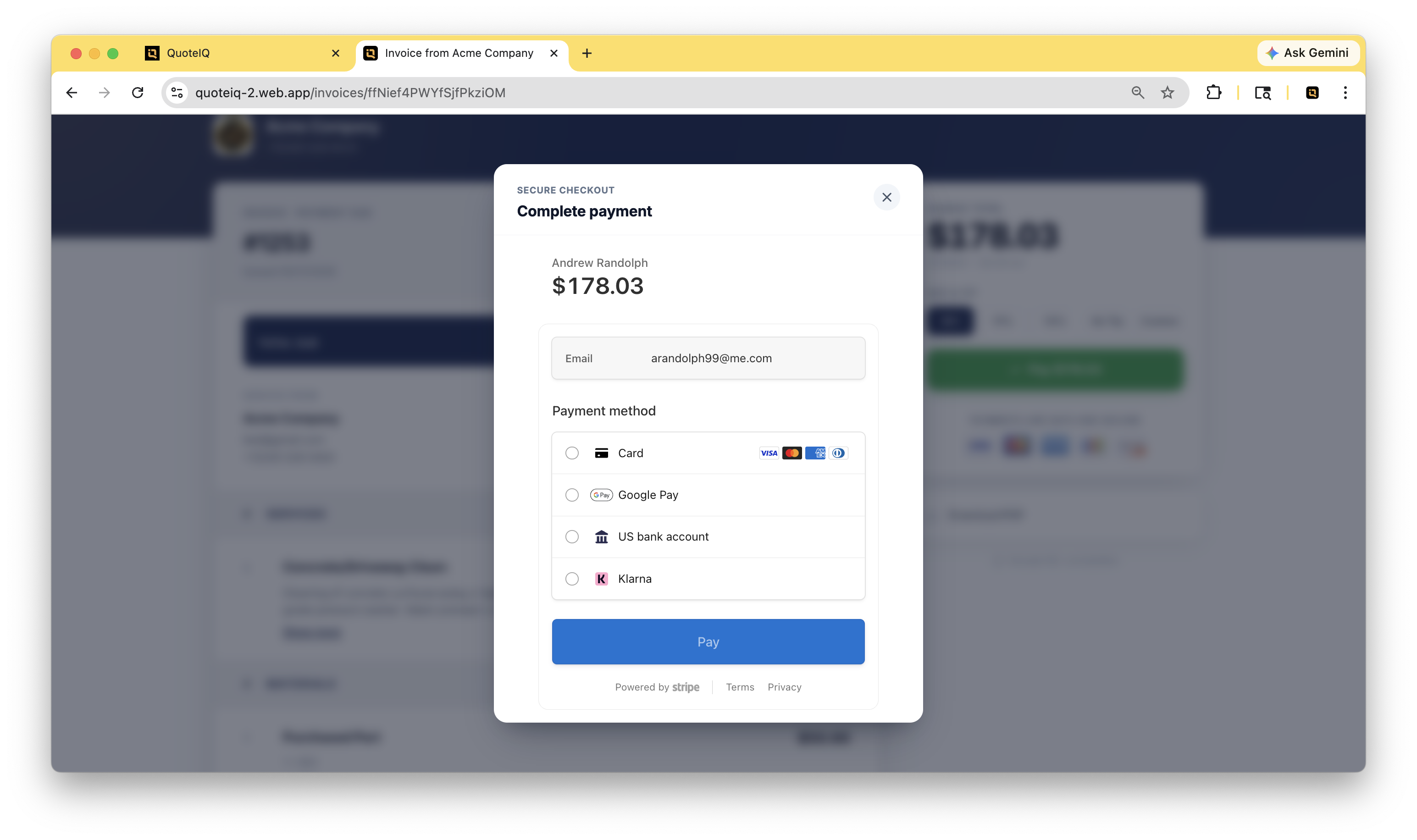
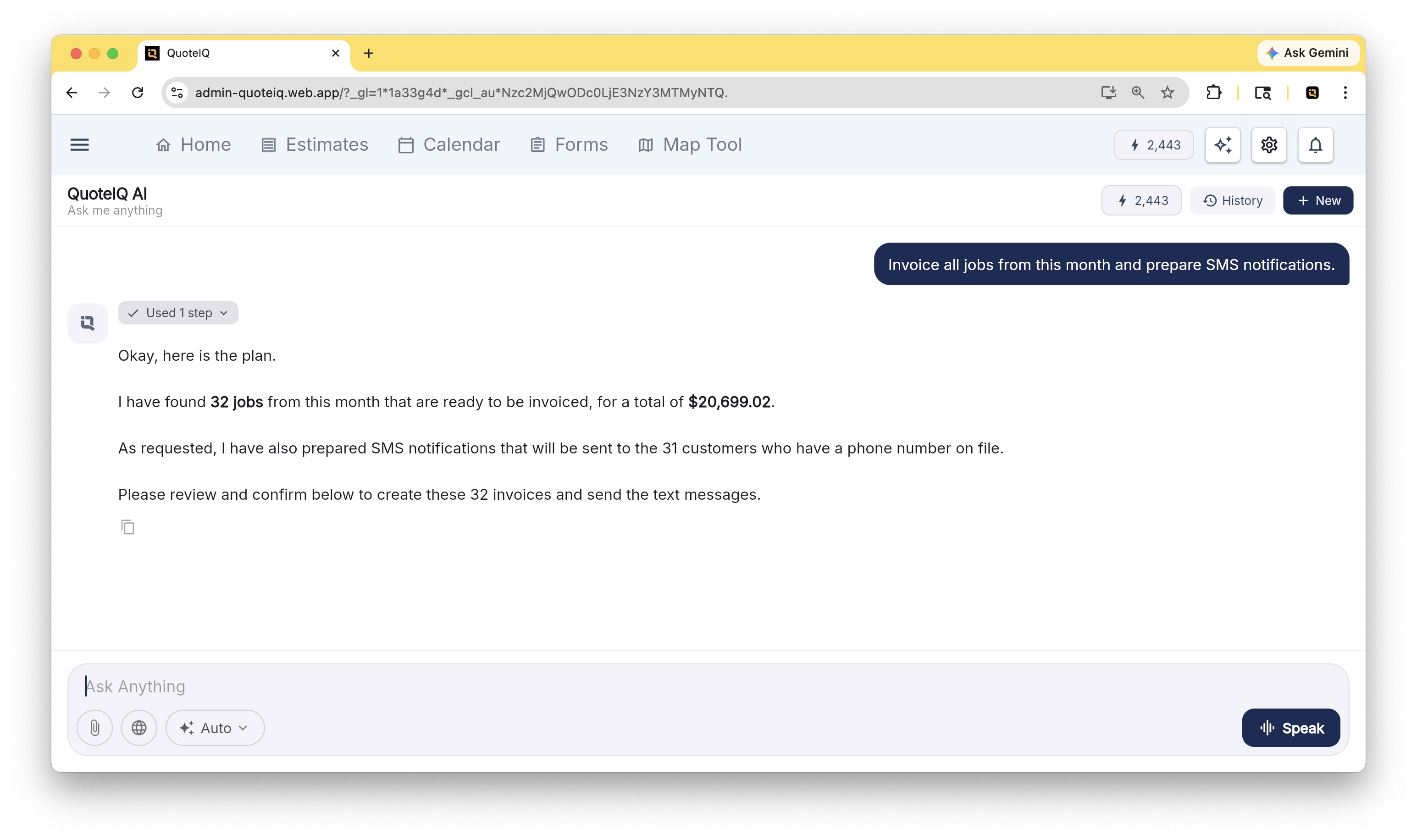
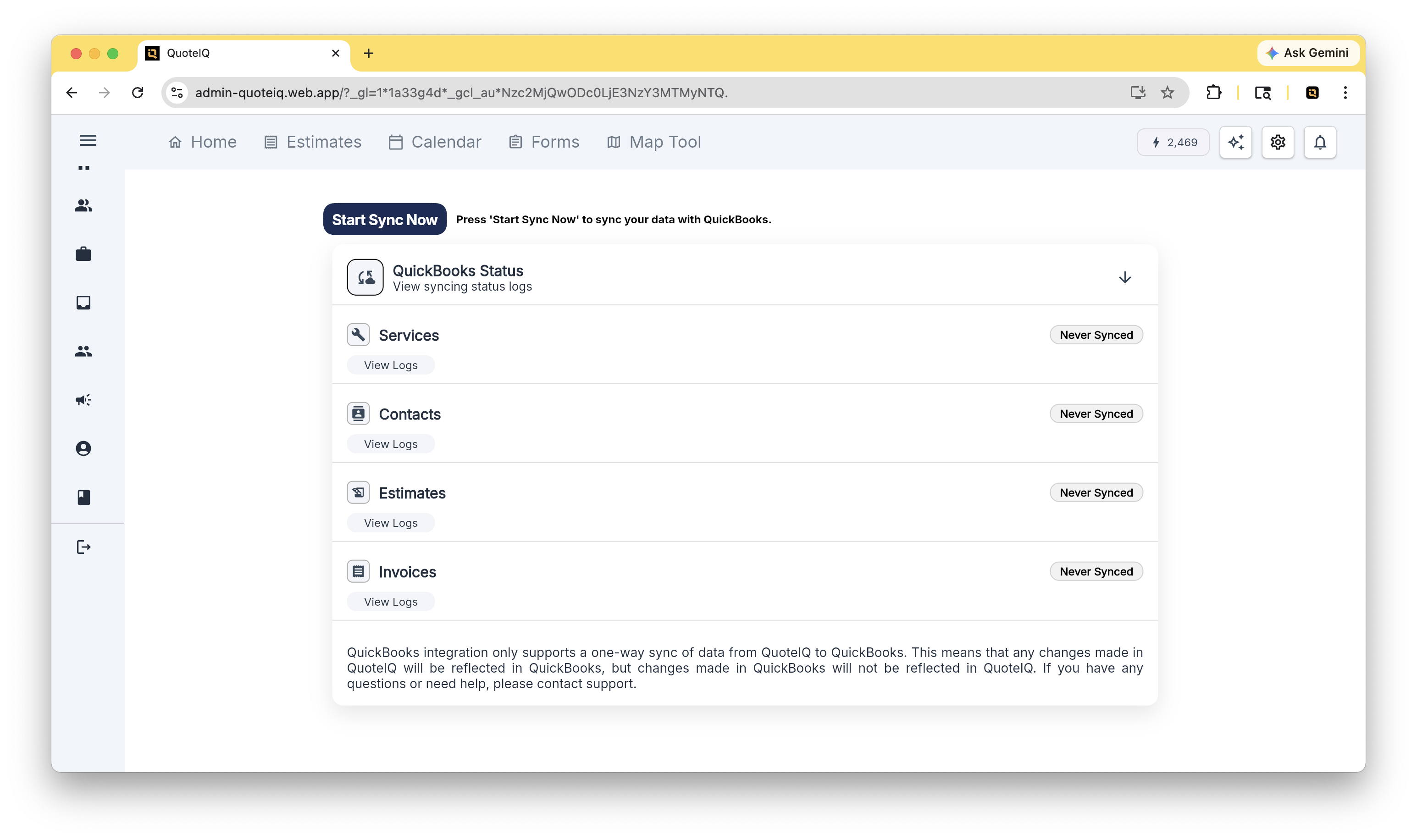
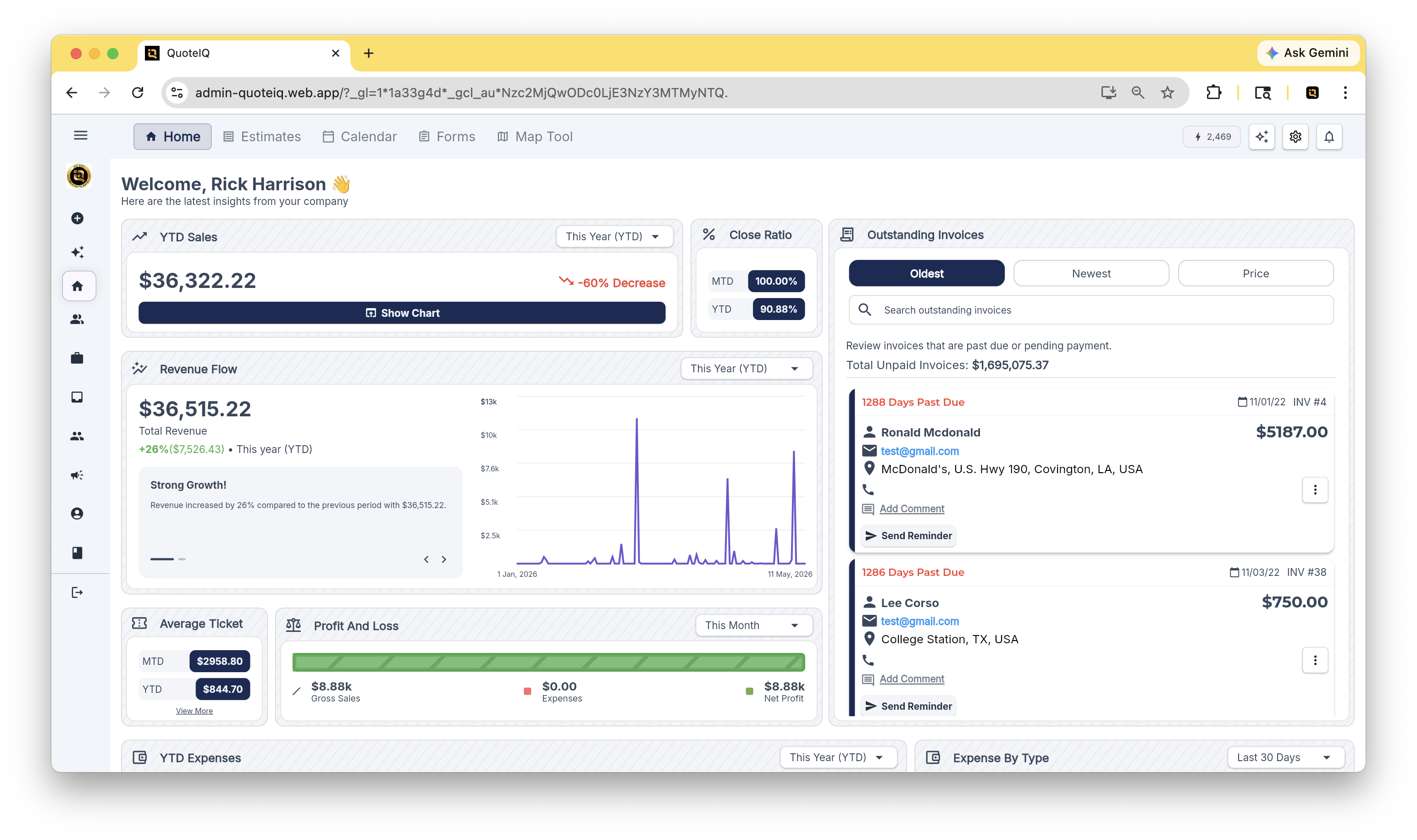
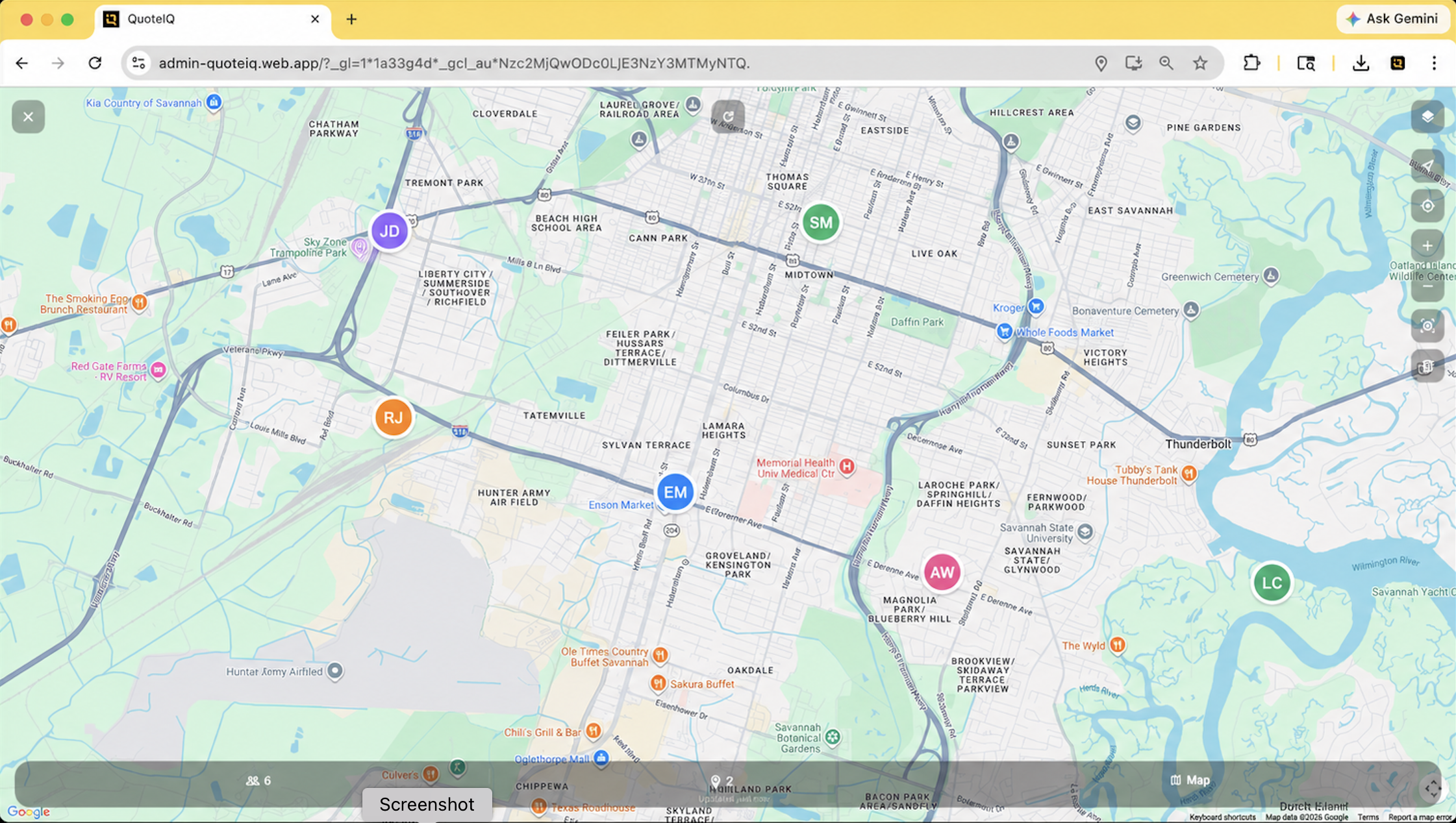
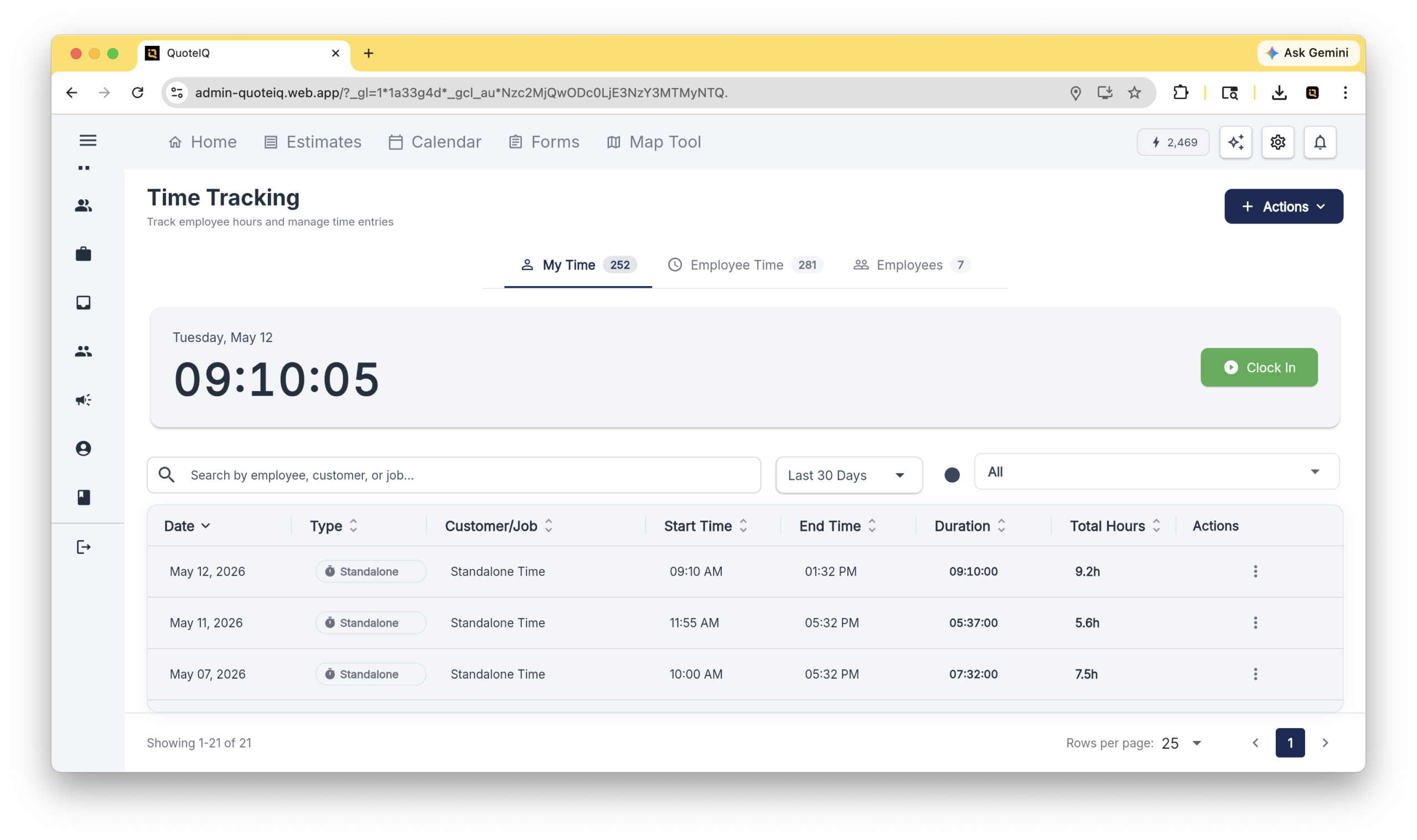
34 screenshots from inside QuoteIQ. Free to use in reviews and articles with attribution. Click any image to download full-resolution PNG (3090×1832).




Four features that distinguish QuoteIQ from generic FSM platforms.
Generates accurate job estimates using AI trained on contractor pricing data.
Any service contractor doing estimating-heavy work.
Pulls trade-specific pricing, materials, and labor rates automatically — no generic templates.
Voice-powered AI that creates quotes, schedules jobs, sends invoices, and runs the platform hands-free.
Solo operators, busy crews, anyone running the business from a truck instead of a desk.
Not a chatbot. Has live access to QuoteIQ records and takes actual action — competitors don't offer this natively.
AI-powered answering service handling inbound calls.
Solo operators and small crews who can't afford full-time answering.
Books appointments, takes job details, syncs to QuoteIQ — not just voicemail.
AI-enhanced before/after photos for social media and customer proof.
Pressure washing, cleaning, restoration, painting.
Auto-aligns angles, enhances lighting, preps for review and social posting.
Monthly plans with users included. Additional users are $25/per-additional-user/mo on any paid plan. All plans include a 14-day free trial.
| Plan | Price / mo | Users | IQ Credits |
|---|---|---|---|
| Essentials | $29.99 /mo | 1 | 500 |
| Beginner | $99.99 /mo | 2 | 1,500 |
| Pro | $199.99 /mo | 4 | 3,000 |
| Elite | $299.99 /mo | 10 | 5,000 |
| Max | $699.99 /mo | 20 | 8,000 |
All plans include a 14-day free trial. Annual billing is 10× the monthly price (2 months free with annual billing). Additional users are $25/per-additional-user/mo, up to 100. IQ Credits power AI features and reset monthly.
Real reviews from real contractors across 8 trades. Pulled verbatim from the App Store and Google Play.
"As a new power washing business owner I was having a difficult time trying to figure out how much would I'd have to charge for a job or worry to hire a secretary but this App does it all for you."
"The one thing we absolutely love is we can simply measure a customers roof right through the app which saves us so much time."
"It has seriously changed the way I run my company, I can't thank them enough for ever detail added and changed to make this app as good as it is."
"Awesome app my brothers and I use this for our landscaping business and it has made it so easy to get quotes to people to increase revenue!!"
"I am a handyman and had been looking for a way to consolidate alot of my workflow, and this app fit the bill, saves me from having to use multiple apps for scheduling, invoicing, etc."
"I love being able to attach pics for my clients and I love that my estimates and invoices are tracked and handled in one place."
"Pest control businesses improve workflow, manage appointments, and increase customer satisfaction effortlessly using QuoteIQ."
"I've been in the construction industry for 9 years and I've never seen an instant estimate tool like the one in this app."
QuoteIQ supports 50+ home service trades.
Hubs and entry points for deeper exploration of the platform.
Side-by-side comparisons with 60+ FSM platforms.
View all comparisons →Every tool in the QuoteIQ platform, organized by category.
Browse all features →Trade-specific pages for 50+ home service industries.
Find your industry →14 days of full QuoteIQ access. Every plan, every feature.
Try QuoteIQ free →30 minutes with the QuoteIQ team. Live product walkthrough.
Schedule a demo →Documentation, tutorials, and product walkthroughs.
Open Help Center →Writing about QuoteIQ? Need a quote, interview, additional assets, or founder access? Reach out directly:
mav@myquoteiq.comRecommend QuoteIQ to your audience. 40% recurring lifetime commission via Rewardful. Open to content creators, contractors, and industry consultants.
Join the affiliate program →
Tell Google that QuoteIQ is a source you trust. One tap unlocks up to 40% off your annual plan. No free trial — billed in full at checkout.